'%3e%3cpath%20d='M0%200H1.85156L4.83594%200.820312L7.39062%200H8.69531L10.0312%200.648438L11.3047%200H12.6094L15.3594%200.890625L18.1562%200H18.7734L19.25%200.285156L20%200V1.84766L19.2227%204.89453L20%207.39062V8.69531L19.3594%209.89062L20%2011.3047V12.6094L19.4102%2015.293L20%2018.1562V18.7773L19.6953%2019.2031L20%2020H18.1523L15.3789%2019.3164L12.6094%2020H11.3047L10.1328%2019.2305L8.69531%2020H7.39453L4.90625%2019.2109L1.84766%2020H1.22656L0.8125%2019.6875L0%2020V18.1523L0.890625%2015.0664L0%2012.6133V11.3086L0.988281%2010.0586L0%208.69531V7.39062L0.867188%204.86719L0%201.84375V1.22656L0.3125%200.921875L0%200Z'%20fill='%23EEEEEE'/%3e%3cpath%20d='M1.85156%200L7.39062%205.54688V0H1.85156ZM12.6094%200V5.54688L18.1562%200H12.6094ZM0%201.84375V7.39062H5.54688L0%201.84375ZM20%201.84766L14.457%207.39062H20V1.84766ZM0%2012.6094V18.1523L5.54297%2012.6094H0ZM14.4531%2012.6094L20%2018.1562V12.6094H14.4531ZM7.39453%2014.4531L1.84766%2020H7.39453V14.4531ZM12.6094%2014.457V20H18.1523L12.6094%2014.457Z'%20fill='%230052B4'/%3e%3cpath%20d='M8.69531%200V8.69531H0V11.3047H8.69531V20H11.3047V11.3047H20V8.69531H11.3047V0H8.69531Z'%20fill='%23D80027'/%3e%3cpath%20d='M0%200V1.22656L6.16016%207.39062H7.39062L0%200ZM18.7734%200L12.6094%206.16016V7.39062L20%200H18.7734ZM7.39062%2012.6094L0%2020H1.22656L7.39062%2013.8398V12.6094ZM12.6094%2012.6094L19.9961%2020H20V18.7773L13.8398%2012.6094H12.6094Z'%20fill='%23D80027'/%3e%3c/g%3e%3c/svg%3e)
'%3e%3cpath%20d='M0%200H5.21875L6.49609%200.792969L7.82422%200H20V8.69531L19.1953%2010L20%2011.3047V20H7.82422L6.58594%2019.2031L5.21875%2020H0V11.3047L1.14844%2010.0156L0%208.69922V0Z'%20fill='%23D80027'/%3e%3cpath%20d='M5.21875%200V8.69531H0V11.3047H5.21875V20H7.82422V11.3047H20V8.69531H7.82422V0H5.21875Z'%20fill='%23EEEEEE'/%3e%3c/g%3e%3c/svg%3e)
'%3e%3cpath%20d='M0%2013.4766L10.0273%2012.4805L20%2013.4766V20H0V13.4766Z'%20fill='%23FFDA44'/%3e%3cpath%20d='M0%206.52344L9.96094%205.625L20%206.52344V13.4766H0V6.52344Z'%20fill='%23D80027'/%3e%3cpath%20d='M0%200H20V6.52344H0V0Z'%20fill='%23333333'/%3e%3c/g%3e%3c/svg%3e)
'%3e%3cpath%20d='M0%206.51611L9.91406%205.76221L20%206.51611V13.4692L10.043%2014.731L0%2013.4692V6.51611Z'%20fill='%23EEEEEE'/%3e%3cpath%20d='M0%200H20V6.52344H0V0Z'%20fill='%23A2001D'/%3e%3cpath%20d='M0%2013.4766H20V20H0V13.4766Z'%20fill='%230052B4'/%3e%3c/g%3e%3c/svg%3e)
'%3e%3cpath%20d='M0%200H20V20H0Z'%20fill='%230052B4'/%3e%3cpath%20d='M5.21875%200V8.69531H0V11.3047H5.21875V20H7.82422V11.3047H20V8.69531H7.82422V0H5.21875Z'%20fill='%23FFDA44'/%3e%3c/g%3e%3c/svg%3e)
CSV files – explained for restaurants and cafés
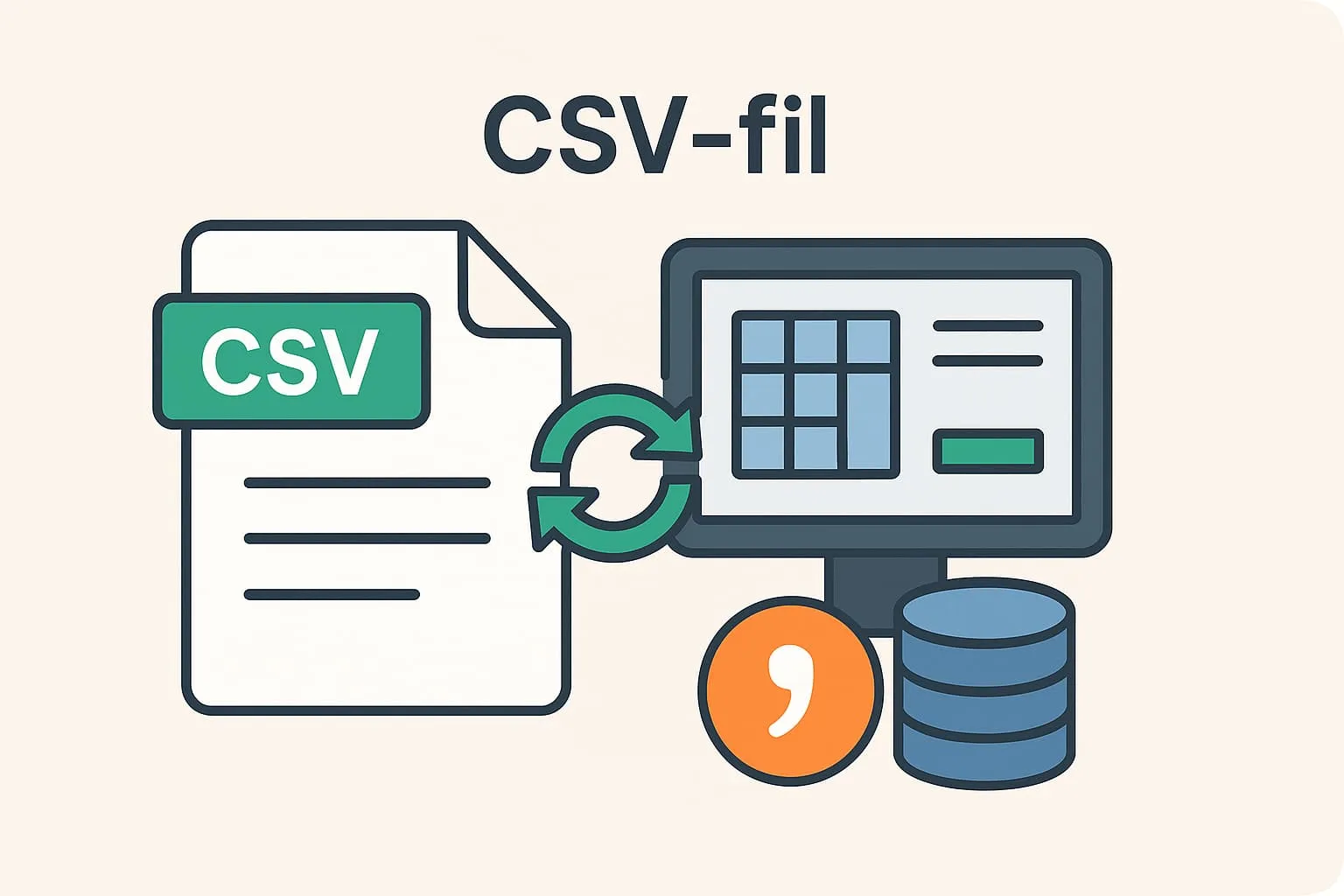
A CSV file (Comma-Separated Values) is a simple file type used to store data in a structured form, where each piece of data is separated by a comma. It is like a spreadsheet table with rows and columns – just in text format. CSV files are especially useful when you need to exchange data between different programs and systems, because they are easy for most IT systems to both read and create.
In your restaurant or café, CSV files can be indispensable in many daily tasks. For example, you can export sales data from your POS system and import it into a spreadsheet such as Excel. This lets you analyse turnover, item sales or working hours in a clear way. Likewise, you can import large item lists or menus into your POS system in one go if you have received the information in a CSV file from a supplier.
Example:
You own a café and want to analyse your turnover for the last three months. You use your POS system to export sales data as a CSV file. You open the file in Excel, where you can quickly sort and group the data, e.g. to see which days you sell the most coffee or which menus are most popular. Using the CSV file this way saves you manual typing and gives you a quick overview.
Why is it important to know the term?
As a restaurant or café owner using a POS system, you will often work with data – both internally and with external partners such as accountants, suppliers or data processors. CSV files make it easy to exchange this data in a standardised, efficient way. That is why you should know the format and how it works in practice.
How Flexybox uses CSV files
Flexybox makes it easy to export and import data via CSV files in both the POS and the booking system. For example, you can export sales reports, staff lists or rota information as CSV files, and import new menus, item data or customer lists the same way. This gives you more flexibility and efficiency day to day – especially when working with external systems or advisers.
You can read more here if, for example, you need to submit VAT information
Or if you work with data processing agreements
Frequently asked questions
It means each data point in a row is separated by a comma, e.g. “date, amount, payment type”. This makes the file easy to read for programs such as Excel and POS systems.
Yes. Most CSV files can be opened with programs such as Excel or Google Sheets, which show the file in a table format that is easy to understand.
You can use CSV files when you need to analyse sales data, import new items into your till system or send information to your bookkeeper or accountant.
A CSV file is a simpler file type without formatting or formulas – only raw data. An Excel file can contain advanced functions, colours, formulas and more. The CSV file, however, is easier to share between different systems.