'%3e%3cpath%20d='M0%200H1.85156L4.83594%200.820312L7.39062%200H8.69531L10.0312%200.648438L11.3047%200H12.6094L15.3594%200.890625L18.1562%200H18.7734L19.25%200.285156L20%200V1.84766L19.2227%204.89453L20%207.39062V8.69531L19.3594%209.89062L20%2011.3047V12.6094L19.4102%2015.293L20%2018.1562V18.7773L19.6953%2019.2031L20%2020H18.1523L15.3789%2019.3164L12.6094%2020H11.3047L10.1328%2019.2305L8.69531%2020H7.39453L4.90625%2019.2109L1.84766%2020H1.22656L0.8125%2019.6875L0%2020V18.1523L0.890625%2015.0664L0%2012.6133V11.3086L0.988281%2010.0586L0%208.69531V7.39062L0.867188%204.86719L0%201.84375V1.22656L0.3125%200.921875L0%200Z'%20fill='%23EEEEEE'/%3e%3cpath%20d='M1.85156%200L7.39062%205.54688V0H1.85156ZM12.6094%200V5.54688L18.1562%200H12.6094ZM0%201.84375V7.39062H5.54688L0%201.84375ZM20%201.84766L14.457%207.39062H20V1.84766ZM0%2012.6094V18.1523L5.54297%2012.6094H0ZM14.4531%2012.6094L20%2018.1562V12.6094H14.4531ZM7.39453%2014.4531L1.84766%2020H7.39453V14.4531ZM12.6094%2014.457V20H18.1523L12.6094%2014.457Z'%20fill='%230052B4'/%3e%3cpath%20d='M8.69531%200V8.69531H0V11.3047H8.69531V20H11.3047V11.3047H20V8.69531H11.3047V0H8.69531Z'%20fill='%23D80027'/%3e%3cpath%20d='M0%200V1.22656L6.16016%207.39062H7.39062L0%200ZM18.7734%200L12.6094%206.16016V7.39062L20%200H18.7734ZM7.39062%2012.6094L0%2020H1.22656L7.39062%2013.8398V12.6094ZM12.6094%2012.6094L19.9961%2020H20V18.7773L13.8398%2012.6094H12.6094Z'%20fill='%23D80027'/%3e%3c/g%3e%3c/svg%3e)
'%3e%3cpath%20d='M0%200H5.21875L6.49609%200.792969L7.82422%200H20V8.69531L19.1953%2010L20%2011.3047V20H7.82422L6.58594%2019.2031L5.21875%2020H0V11.3047L1.14844%2010.0156L0%208.69922V0Z'%20fill='%23D80027'/%3e%3cpath%20d='M5.21875%200V8.69531H0V11.3047H5.21875V20H7.82422V11.3047H20V8.69531H7.82422V0H5.21875Z'%20fill='%23EEEEEE'/%3e%3c/g%3e%3c/svg%3e)
'%3e%3cpath%20d='M0%2013.4766L10.0273%2012.4805L20%2013.4766V20H0V13.4766Z'%20fill='%23FFDA44'/%3e%3cpath%20d='M0%206.52344L9.96094%205.625L20%206.52344V13.4766H0V6.52344Z'%20fill='%23D80027'/%3e%3cpath%20d='M0%200H20V6.52344H0V0Z'%20fill='%23333333'/%3e%3c/g%3e%3c/svg%3e)
'%3e%3cpath%20d='M0%206.51611L9.91406%205.76221L20%206.51611V13.4692L10.043%2014.731L0%2013.4692V6.51611Z'%20fill='%23EEEEEE'/%3e%3cpath%20d='M0%200H20V6.52344H0V0Z'%20fill='%23A2001D'/%3e%3cpath%20d='M0%2013.4766H20V20H0V13.4766Z'%20fill='%230052B4'/%3e%3c/g%3e%3c/svg%3e)
'%3e%3cpath%20d='M0%200H20V20H0Z'%20fill='%230052B4'/%3e%3cpath%20d='M5.21875%200V8.69531H0V11.3047H5.21875V20H7.82422V11.3047H20V8.69531H7.82422V0H5.21875Z'%20fill='%23FFDA44'/%3e%3c/g%3e%3c/svg%3e)
What does debit mean?
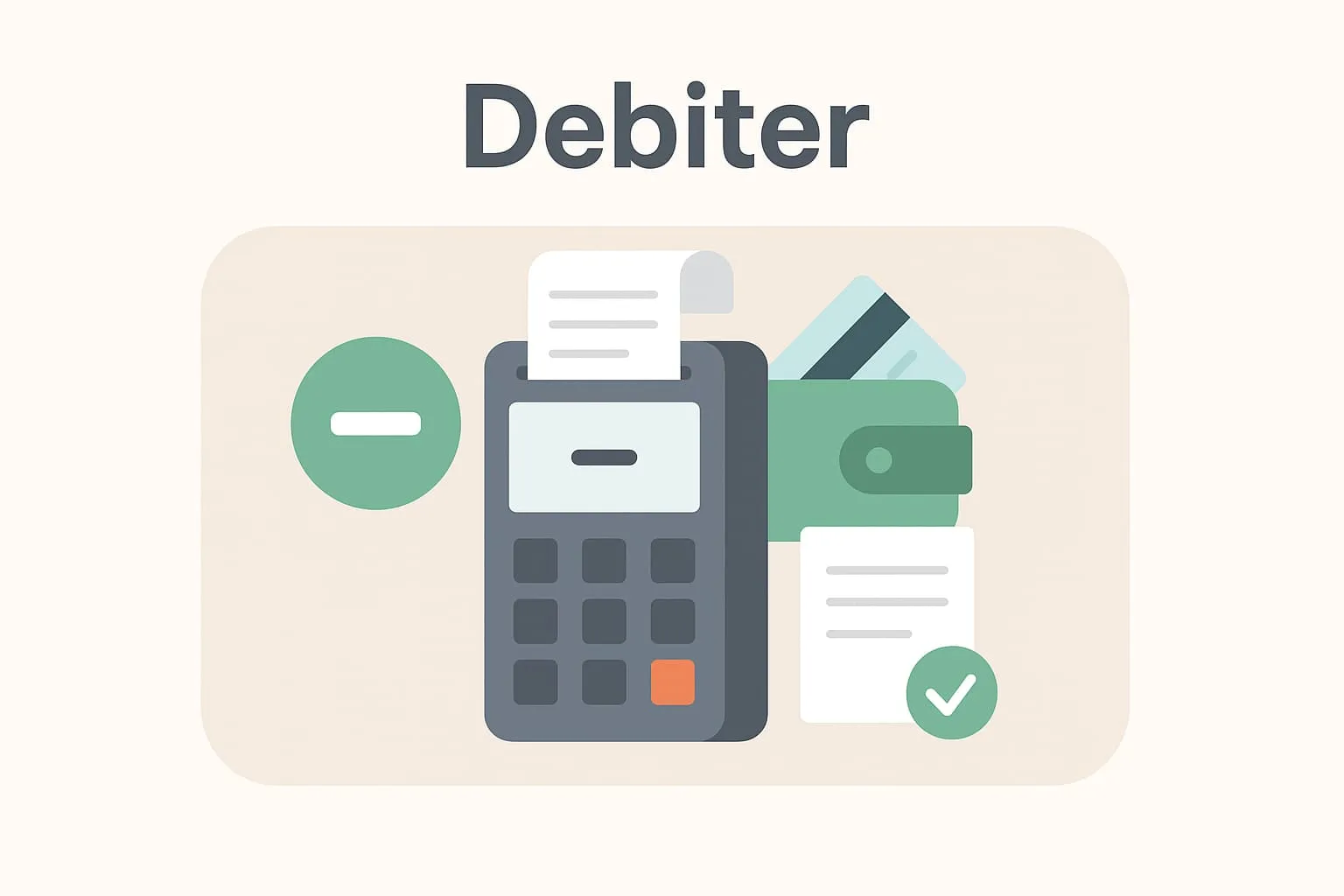
To debit means recording an amount as an expense or negative entry on an account. In restaurants and cafés, this typically happens when a customer's order is entered into the till system, creating a transaction – a debit – on the customer's account or table bill. It is a central part of bookkeeping and makes it possible to follow the café's or restaurant's turnover and sales activity.
Debiting is typically used when:
– A customer places an order and the amount is registered in the POS system
– Amounts are transferred between bills, e.g. with split payment
– A bill is passed on to, for example, a company or an invoice
An example from a restaurant
Imagine a customer who sits down at table 4 and orders a burger menu and a soft drink. When the waiter enters the order into the Flexybox system, the customer's order is debited automatically. This means the total amount, e.g. €22, is now registered in the POS system as sales income and linked to table 4. When the guest pays, the payment is matched with the earlier debit.
Why is it important to understand debiting?
Understanding the term “debit” is important when you work with a POS system, because it is the basis for following your daily transactions and ensuring correct bookkeeping. Without correct debiting you risk losing track of what has been sold, which payments are outstanding and how your turnover is developing. Especially in businesses with many small transactions – like restaurants and cafés – it is important that every debit is recorded correctly and is easy to trace.
Correct debiting is also essential for system functions such as automatic bookkeeping and stock management to work optimally. If an item is not debited correctly, neither the sales, the accounts nor the stock statistics will add up – and that can affect operations.
How the Flexybox till system uses “debit”
In the Flexybox till system, debiting happens automatically as soon as you register an order or move items between bills. The system processes each debit with high accuracy and ensures all transactions are fully traceable. This makes it easier to follow sales, create detailed reports and prepare correct bookkeeping. Integration with both the till and the stock ensures that debited items are also included in your bookkeeping and any automatic bookkeeping, if you have turned it on.
Frequently asked questions
It means you register a customer's purchase and add the amount to a bill in the POS system – for example by entering a guest's order at the till.
No, a debit is the recording of an order or expense. Payment only happens when the customer actually pays the amount that was previously debited.
When you debit an item in Flexybox, stock is updated automatically, so you always have an overview of how many items you have left.
Yes, in Flexybox you can edit or cancel debits, for example if something was entered incorrectly – and the change is logged for traceability and auditing.