'%3e%3cpath%20d='M0%200H1.85156L4.83594%200.820312L7.39062%200H8.69531L10.0312%200.648438L11.3047%200H12.6094L15.3594%200.890625L18.1562%200H18.7734L19.25%200.285156L20%200V1.84766L19.2227%204.89453L20%207.39062V8.69531L19.3594%209.89062L20%2011.3047V12.6094L19.4102%2015.293L20%2018.1562V18.7773L19.6953%2019.2031L20%2020H18.1523L15.3789%2019.3164L12.6094%2020H11.3047L10.1328%2019.2305L8.69531%2020H7.39453L4.90625%2019.2109L1.84766%2020H1.22656L0.8125%2019.6875L0%2020V18.1523L0.890625%2015.0664L0%2012.6133V11.3086L0.988281%2010.0586L0%208.69531V7.39062L0.867188%204.86719L0%201.84375V1.22656L0.3125%200.921875L0%200Z'%20fill='%23EEEEEE'/%3e%3cpath%20d='M1.85156%200L7.39062%205.54688V0H1.85156ZM12.6094%200V5.54688L18.1562%200H12.6094ZM0%201.84375V7.39062H5.54688L0%201.84375ZM20%201.84766L14.457%207.39062H20V1.84766ZM0%2012.6094V18.1523L5.54297%2012.6094H0ZM14.4531%2012.6094L20%2018.1562V12.6094H14.4531ZM7.39453%2014.4531L1.84766%2020H7.39453V14.4531ZM12.6094%2014.457V20H18.1523L12.6094%2014.457Z'%20fill='%230052B4'/%3e%3cpath%20d='M8.69531%200V8.69531H0V11.3047H8.69531V20H11.3047V11.3047H20V8.69531H11.3047V0H8.69531Z'%20fill='%23D80027'/%3e%3cpath%20d='M0%200V1.22656L6.16016%207.39062H7.39062L0%200ZM18.7734%200L12.6094%206.16016V7.39062L20%200H18.7734ZM7.39062%2012.6094L0%2020H1.22656L7.39062%2013.8398V12.6094ZM12.6094%2012.6094L19.9961%2020H20V18.7773L13.8398%2012.6094H12.6094Z'%20fill='%23D80027'/%3e%3c/g%3e%3c/svg%3e)
'%3e%3cpath%20d='M0%200H5.21875L6.49609%200.792969L7.82422%200H20V8.69531L19.1953%2010L20%2011.3047V20H7.82422L6.58594%2019.2031L5.21875%2020H0V11.3047L1.14844%2010.0156L0%208.69922V0Z'%20fill='%23D80027'/%3e%3cpath%20d='M5.21875%200V8.69531H0V11.3047H5.21875V20H7.82422V11.3047H20V8.69531H7.82422V0H5.21875Z'%20fill='%23EEEEEE'/%3e%3c/g%3e%3c/svg%3e)
'%3e%3cpath%20d='M0%2013.4766L10.0273%2012.4805L20%2013.4766V20H0V13.4766Z'%20fill='%23FFDA44'/%3e%3cpath%20d='M0%206.52344L9.96094%205.625L20%206.52344V13.4766H0V6.52344Z'%20fill='%23D80027'/%3e%3cpath%20d='M0%200H20V6.52344H0V0Z'%20fill='%23333333'/%3e%3c/g%3e%3c/svg%3e)
'%3e%3cpath%20d='M0%206.51611L9.91406%205.76221L20%206.51611V13.4692L10.043%2014.731L0%2013.4692V6.51611Z'%20fill='%23EEEEEE'/%3e%3cpath%20d='M0%200H20V6.52344H0V0Z'%20fill='%23A2001D'/%3e%3cpath%20d='M0%2013.4766H20V20H0V13.4766Z'%20fill='%230052B4'/%3e%3c/g%3e%3c/svg%3e)
'%3e%3cpath%20d='M0%200H20V20H0Z'%20fill='%230052B4'/%3e%3cpath%20d='M5.21875%200V8.69531H0V11.3047H5.21875V20H7.82422V11.3047H20V8.69531H7.82422V0H5.21875Z'%20fill='%23FFDA44'/%3e%3c/g%3e%3c/svg%3e)
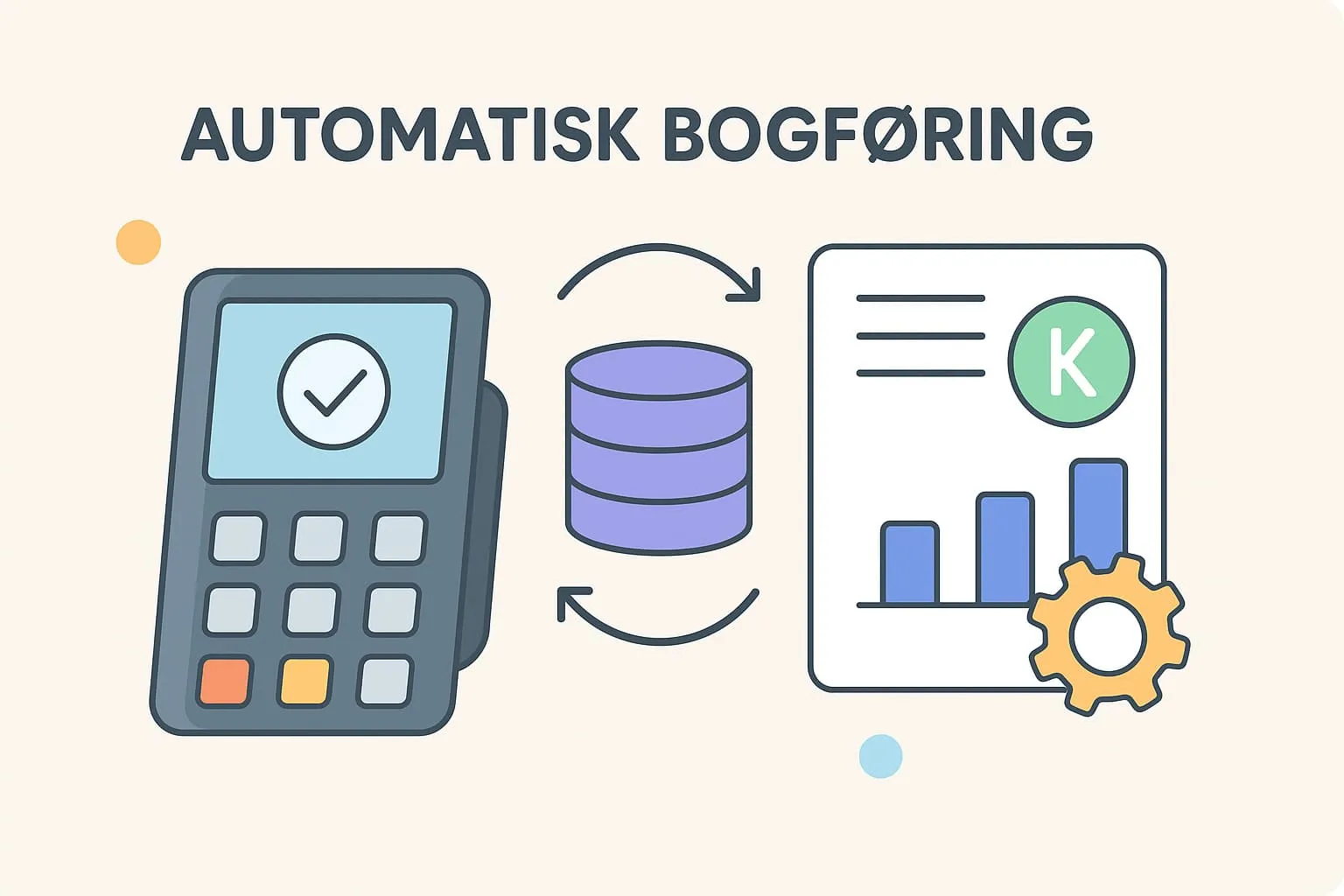
What is automatic bookkeeping?
Automatic bookkeeping is a feature in modern POS systems that fully or partly transfers sales data directly from your till system to your accounting system. Instead of manually collecting, compiling and entering information about daily revenue, payment types and VAT, the system does it all for you. In other words: no more typing, and your bookkeeping is consistent and correct every time.
In practice, this means that when you close the till at the end of a working day, the day's sales figures are sent automatically to your accounting system. This covers cash sales, card payments, tips and any discounts. The necessary vouchers and entries are created there, so your accounts are always up to date with the latest information.
Example: Imagine a busy city-centre café where you have had more than 200 transactions in a day. With automatic bookkeeping, all these sales are transferred automatically to your accounting system, correctly split into accounts such as food, drinks, VAT and tips. You no longer have to sit in the evening collecting receipts, checking amounts and entering them manually – the system has already done it.
Why it matters
For restaurant and café owners, automatic bookkeeping not only saves time – it also reduces the risk of errors and ensures bookkeeping happens continuously and correctly. It gives you a better overview of your finances and makes life easier for your bookkeeper or accountant. When you work with a POS system, it is therefore important to know the term, because it can simplify a large part of the daily administration and give you better financial control.
Read more about:
How does Flexybox use automatic bookkeeping?
The Flexybox POS system supports automatic bookkeeping directly. This means your sales data is transferred automatically to your accounting system without you having to do it manually. The feature reduces the daily administrative effort and minimises the typical errors that occur with manual bookkeeping. The result is a more efficient workflow and accounts that are right the first time.
Frequently asked questions
Yes, in most modern POS systems – including Flexybox – you can adjust which data is transferred automatically, such as sales by product group, payment types and VAT.
Automatic bookkeeping can make it easier for your accountant to get on top of your figures, but it does not replace the need for professional advice, especially for annual accounts and tax matters.
It depends on how your POS system is set up. Typically it happens daily at end of day, but you can also set it to run at specific times or as needed.
Most systems will show an error message and store the data for later transfer. You can usually correct the error and resend the data manually. Flexybox notifies you if something does not add up, so you can quickly get it fixed.