'%3e%3cpath%20d='M0%200H1.85156L4.83594%200.820312L7.39062%200H8.69531L10.0312%200.648438L11.3047%200H12.6094L15.3594%200.890625L18.1562%200H18.7734L19.25%200.285156L20%200V1.84766L19.2227%204.89453L20%207.39062V8.69531L19.3594%209.89062L20%2011.3047V12.6094L19.4102%2015.293L20%2018.1562V18.7773L19.6953%2019.2031L20%2020H18.1523L15.3789%2019.3164L12.6094%2020H11.3047L10.1328%2019.2305L8.69531%2020H7.39453L4.90625%2019.2109L1.84766%2020H1.22656L0.8125%2019.6875L0%2020V18.1523L0.890625%2015.0664L0%2012.6133V11.3086L0.988281%2010.0586L0%208.69531V7.39062L0.867188%204.86719L0%201.84375V1.22656L0.3125%200.921875L0%200Z'%20fill='%23EEEEEE'/%3e%3cpath%20d='M1.85156%200L7.39062%205.54688V0H1.85156ZM12.6094%200V5.54688L18.1562%200H12.6094ZM0%201.84375V7.39062H5.54688L0%201.84375ZM20%201.84766L14.457%207.39062H20V1.84766ZM0%2012.6094V18.1523L5.54297%2012.6094H0ZM14.4531%2012.6094L20%2018.1562V12.6094H14.4531ZM7.39453%2014.4531L1.84766%2020H7.39453V14.4531ZM12.6094%2014.457V20H18.1523L12.6094%2014.457Z'%20fill='%230052B4'/%3e%3cpath%20d='M8.69531%200V8.69531H0V11.3047H8.69531V20H11.3047V11.3047H20V8.69531H11.3047V0H8.69531Z'%20fill='%23D80027'/%3e%3cpath%20d='M0%200V1.22656L6.16016%207.39062H7.39062L0%200ZM18.7734%200L12.6094%206.16016V7.39062L20%200H18.7734ZM7.39062%2012.6094L0%2020H1.22656L7.39062%2013.8398V12.6094ZM12.6094%2012.6094L19.9961%2020H20V18.7773L13.8398%2012.6094H12.6094Z'%20fill='%23D80027'/%3e%3c/g%3e%3c/svg%3e)
'%3e%3cpath%20d='M0%200H5.21875L6.49609%200.792969L7.82422%200H20V8.69531L19.1953%2010L20%2011.3047V20H7.82422L6.58594%2019.2031L5.21875%2020H0V11.3047L1.14844%2010.0156L0%208.69922V0Z'%20fill='%23D80027'/%3e%3cpath%20d='M5.21875%200V8.69531H0V11.3047H5.21875V20H7.82422V11.3047H20V8.69531H7.82422V0H5.21875Z'%20fill='%23EEEEEE'/%3e%3c/g%3e%3c/svg%3e)
'%3e%3cpath%20d='M0%2013.4766L10.0273%2012.4805L20%2013.4766V20H0V13.4766Z'%20fill='%23FFDA44'/%3e%3cpath%20d='M0%206.52344L9.96094%205.625L20%206.52344V13.4766H0V6.52344Z'%20fill='%23D80027'/%3e%3cpath%20d='M0%200H20V6.52344H0V0Z'%20fill='%23333333'/%3e%3c/g%3e%3c/svg%3e)
'%3e%3cpath%20d='M0%206.51611L9.91406%205.76221L20%206.51611V13.4692L10.043%2014.731L0%2013.4692V6.51611Z'%20fill='%23EEEEEE'/%3e%3cpath%20d='M0%200H20V6.52344H0V0Z'%20fill='%23A2001D'/%3e%3cpath%20d='M0%2013.4766H20V20H0V13.4766Z'%20fill='%230052B4'/%3e%3c/g%3e%3c/svg%3e)
'%3e%3cpath%20d='M0%200H20V20H0Z'%20fill='%230052B4'/%3e%3cpath%20d='M5.21875%200V8.69531H0V11.3047H5.21875V20H7.82422V11.3047H20V8.69531H7.82422V0H5.21875Z'%20fill='%23FFDA44'/%3e%3c/g%3e%3c/svg%3e)
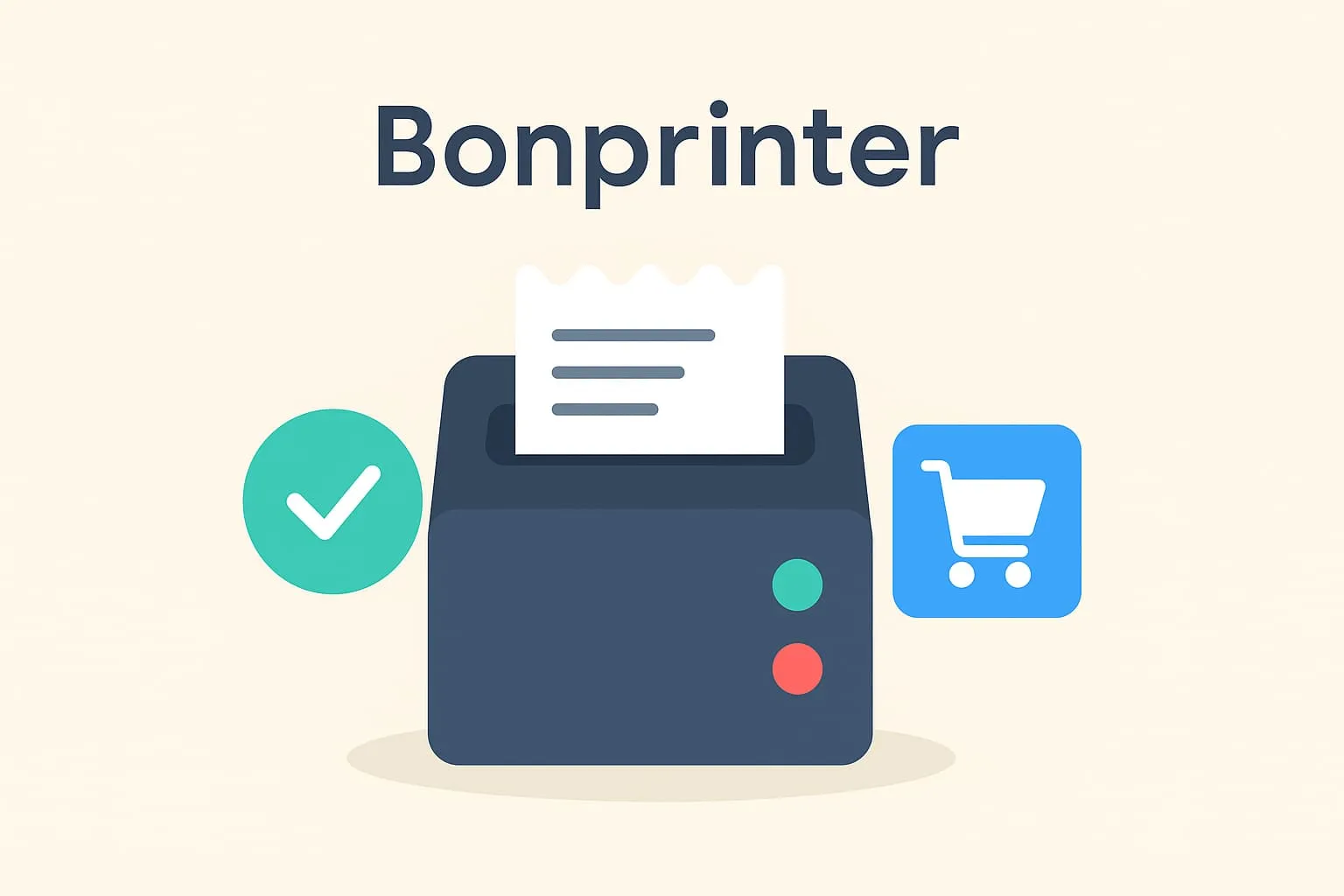
What is a receipt printer?
A receipt printer is a specialised printer connected to a POS system (till system) and used to print transaction information – typically customer receipts. Receipt printers are fast, compact and designed for the high pace often found in hospitality. They come in different types, including thermal printers (the most popular) and dot matrix printers.
In restaurants and cafés, receipt printers are often used both for customer receipts and for internal purposes. For example, a receipt printer behind the bar can print drink orders straight from the server's entry at the table. This saves time, reduces errors and ensures a more efficient workflow between front-of-house staff and the kitchen or bar.
A concrete example: When a waiter in a café serves a table and enters two cappuccinos and a cake in the POS system, the order is sent straight to a receipt printer at the bar. The printer prints an internal “production ticket” so the barista can see what to make. When the guests pay, a payment receipt is generated and printed on another receipt printer at the till.
Why is it important to know the term?
Understanding what a receipt printer is and how it works matters when you use a POS system in hospitality. A correctly set up receipt printer ensures that receipts are printed quickly and without errors, and that orders reach the right stations (such as the kitchen or bar) without confusion. This contributes to higher efficiency, fewer mistakes and a better customer experience.
Links to related terms in the POS dictionary:
Read more about cash registers
Read more about receipt printouts
How does Flexybox use receipt printers?
Flexybox's POS system supports direct connection of receipt printers. This means that when a transaction is made in the system, the customer's receipt is printed automatically on a connected receipt printer. Flexybox can also be configured to send orders to specific printers, for example in the kitchen or bar, which optimises the workflow and makes it easier for staff to keep up during busy periods.
Frequently asked questions
A receipt printer is designed to print receipts or internal orders quickly and continuously. It usually uses thermal paper and needs no ink cartridges. An ordinary printer is slower and not intended for high-frequency printing.
Many restaurants and cafés have several receipt printers – one at the till for customer receipts and one in the bar or kitchen for orders. It depends on your workflow and layout.
First check the power and the network connection between the POS and the printer. Restart the device and check that the paper is loaded correctly. Contact your POS provider (e.g. Flexybox) for technical support if the problem persists.
Yes, most modern receipt printers are plug-and-play and easy to install. With Flexybox you also get help with the correct setup and integration with your system.