'%3e%3cpath%20d='M0%200H1.85156L4.83594%200.820312L7.39062%200H8.69531L10.0312%200.648438L11.3047%200H12.6094L15.3594%200.890625L18.1562%200H18.7734L19.25%200.285156L20%200V1.84766L19.2227%204.89453L20%207.39062V8.69531L19.3594%209.89062L20%2011.3047V12.6094L19.4102%2015.293L20%2018.1562V18.7773L19.6953%2019.2031L20%2020H18.1523L15.3789%2019.3164L12.6094%2020H11.3047L10.1328%2019.2305L8.69531%2020H7.39453L4.90625%2019.2109L1.84766%2020H1.22656L0.8125%2019.6875L0%2020V18.1523L0.890625%2015.0664L0%2012.6133V11.3086L0.988281%2010.0586L0%208.69531V7.39062L0.867188%204.86719L0%201.84375V1.22656L0.3125%200.921875L0%200Z'%20fill='%23EEEEEE'/%3e%3cpath%20d='M1.85156%200L7.39062%205.54688V0H1.85156ZM12.6094%200V5.54688L18.1562%200H12.6094ZM0%201.84375V7.39062H5.54688L0%201.84375ZM20%201.84766L14.457%207.39062H20V1.84766ZM0%2012.6094V18.1523L5.54297%2012.6094H0ZM14.4531%2012.6094L20%2018.1562V12.6094H14.4531ZM7.39453%2014.4531L1.84766%2020H7.39453V14.4531ZM12.6094%2014.457V20H18.1523L12.6094%2014.457Z'%20fill='%230052B4'/%3e%3cpath%20d='M8.69531%200V8.69531H0V11.3047H8.69531V20H11.3047V11.3047H20V8.69531H11.3047V0H8.69531Z'%20fill='%23D80027'/%3e%3cpath%20d='M0%200V1.22656L6.16016%207.39062H7.39062L0%200ZM18.7734%200L12.6094%206.16016V7.39062L20%200H18.7734ZM7.39062%2012.6094L0%2020H1.22656L7.39062%2013.8398V12.6094ZM12.6094%2012.6094L19.9961%2020H20V18.7773L13.8398%2012.6094H12.6094Z'%20fill='%23D80027'/%3e%3c/g%3e%3c/svg%3e)
'%3e%3cpath%20d='M0%200H5.21875L6.49609%200.792969L7.82422%200H20V8.69531L19.1953%2010L20%2011.3047V20H7.82422L6.58594%2019.2031L5.21875%2020H0V11.3047L1.14844%2010.0156L0%208.69922V0Z'%20fill='%23D80027'/%3e%3cpath%20d='M5.21875%200V8.69531H0V11.3047H5.21875V20H7.82422V11.3047H20V8.69531H7.82422V0H5.21875Z'%20fill='%23EEEEEE'/%3e%3c/g%3e%3c/svg%3e)
'%3e%3cpath%20d='M0%2013.4766L10.0273%2012.4805L20%2013.4766V20H0V13.4766Z'%20fill='%23FFDA44'/%3e%3cpath%20d='M0%206.52344L9.96094%205.625L20%206.52344V13.4766H0V6.52344Z'%20fill='%23D80027'/%3e%3cpath%20d='M0%200H20V6.52344H0V0Z'%20fill='%23333333'/%3e%3c/g%3e%3c/svg%3e)
'%3e%3cpath%20d='M0%206.51611L9.91406%205.76221L20%206.51611V13.4692L10.043%2014.731L0%2013.4692V6.51611Z'%20fill='%23EEEEEE'/%3e%3cpath%20d='M0%200H20V6.52344H0V0Z'%20fill='%23A2001D'/%3e%3cpath%20d='M0%2013.4766H20V20H0V13.4766Z'%20fill='%230052B4'/%3e%3c/g%3e%3c/svg%3e)
'%3e%3cpath%20d='M0%200H20V20H0Z'%20fill='%230052B4'/%3e%3cpath%20d='M5.21875%200V8.69531H0V11.3047H5.21875V20H7.82422V11.3047H20V8.69531H7.82422V0H5.21875Z'%20fill='%23FFDA44'/%3e%3c/g%3e%3c/svg%3e)
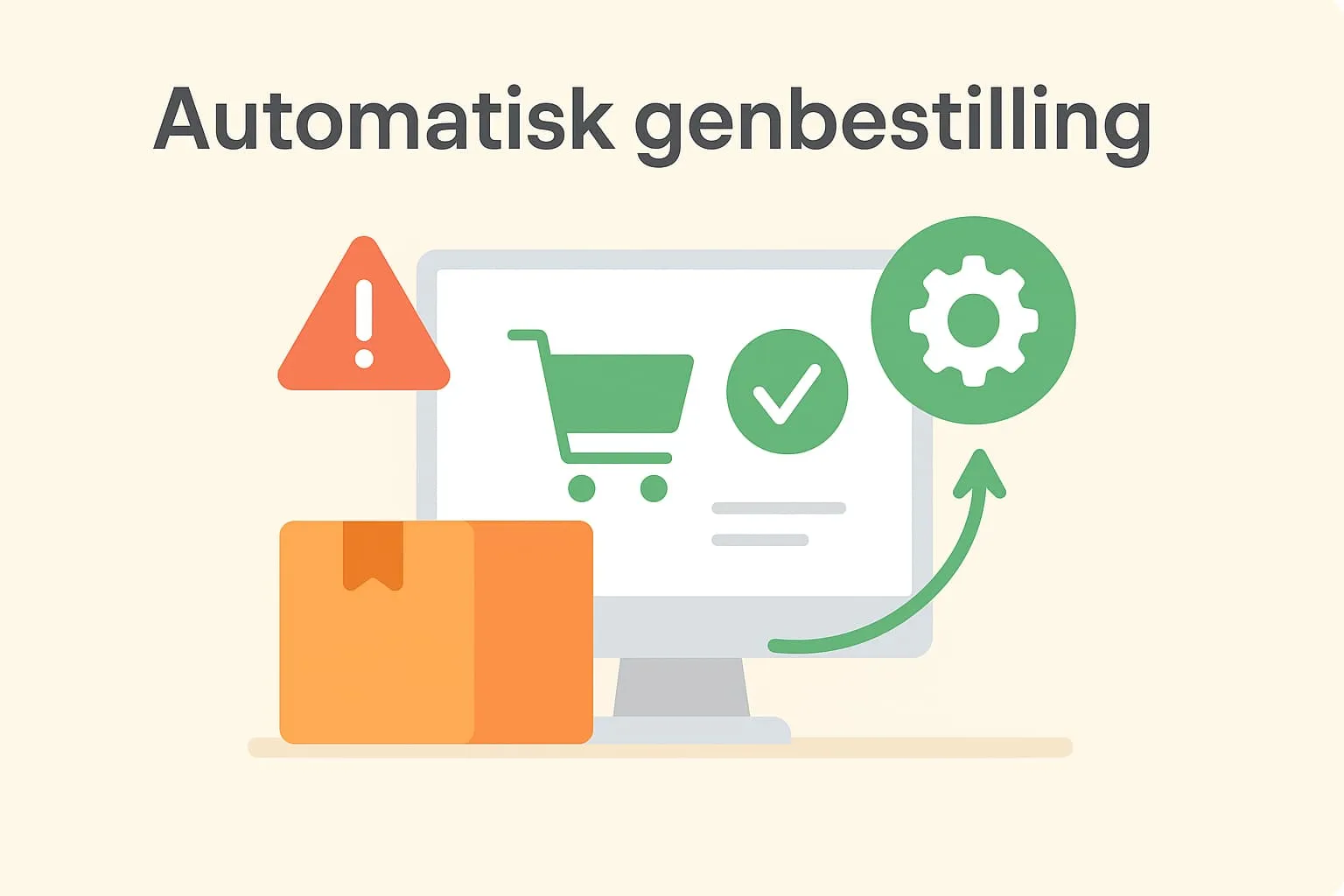
What is automatic reordering?
Automatic reordering is a feature in a POS system (till system) that monitors stock and suggests new purchases when the stock of a product reaches a low level. This is typically based on a combination of minimum stock, sales data and history. This way the restaurant or café owner does not have to keep a manual eye on every single product and does not risk running out of, for example, beer, ice cubes or coffee at times of high demand.
In a busy hospitality business, having the right products on the shelves is crucial – both for the guest experience and for the bottom line. Automatic reordering is therefore a feature that not only saves time but also contributes to more efficient and predictable operations.
Example:
Imagine a café that, among other things, sells freshly squeezed juice. Coffee and fruit are bought in from different suppliers every week. Using automatic reordering, the POS system monitors sales of oranges and at the same time records how many kilos are left in stock. When the stock of oranges falls below the defined minimum, the system generates a purchase suggestion. A café employee approves the suggestion and sends the order directly to the supplier. This way the café avoids running out of products and keeps operations running without major interruptions.
Why is it important?
When you work with a modern POS system, it is important to understand how automatic processes such as reordering work – both to make sure you always have the products you need in stock and to save time every day. Automatic reordering helps you optimise your stock management and avoid both overstocking and understocking, which can cost money and lead to poor customer experiences.
How it works in the Flexybox POS system
In the Flexybox till system, automatic reordering works by continuously monitoring stock based on minimum stock levels and historical sales figures. When a product is close to running out, the system automatically generates a purchase suggestion. If you have several locations – for example both a café and a food truck – Flexybox can combine purchases into one order per supplier, making the purchasing process even more efficient. This gives you a better overview and saves both time and money.
Read also:
What is Reordering?
What is a Product Catalogue?
Frequently asked questions
Yes, in most POS systems – including Flexybox – purchase suggestions are generated automatically, but you can adjust and approve them before they are sent to the supplier.
The system uses settings such as minimum stock together with historical sales data to judge when reordering is needed.
Yes, in Flexybox purchase suggestions can be combined across several locations, giving you better purchasing terms and less administrative work.
You can set up several suppliers for the same product in the product catalogue, and the system can automatically suggest the preferred supplier when reordering.