'%3e%3cpath%20d='M0%200H1.85156L4.83594%200.820312L7.39062%200H8.69531L10.0312%200.648438L11.3047%200H12.6094L15.3594%200.890625L18.1562%200H18.7734L19.25%200.285156L20%200V1.84766L19.2227%204.89453L20%207.39062V8.69531L19.3594%209.89062L20%2011.3047V12.6094L19.4102%2015.293L20%2018.1562V18.7773L19.6953%2019.2031L20%2020H18.1523L15.3789%2019.3164L12.6094%2020H11.3047L10.1328%2019.2305L8.69531%2020H7.39453L4.90625%2019.2109L1.84766%2020H1.22656L0.8125%2019.6875L0%2020V18.1523L0.890625%2015.0664L0%2012.6133V11.3086L0.988281%2010.0586L0%208.69531V7.39062L0.867188%204.86719L0%201.84375V1.22656L0.3125%200.921875L0%200Z'%20fill='%23EEEEEE'/%3e%3cpath%20d='M1.85156%200L7.39062%205.54688V0H1.85156ZM12.6094%200V5.54688L18.1562%200H12.6094ZM0%201.84375V7.39062H5.54688L0%201.84375ZM20%201.84766L14.457%207.39062H20V1.84766ZM0%2012.6094V18.1523L5.54297%2012.6094H0ZM14.4531%2012.6094L20%2018.1562V12.6094H14.4531ZM7.39453%2014.4531L1.84766%2020H7.39453V14.4531ZM12.6094%2014.457V20H18.1523L12.6094%2014.457Z'%20fill='%230052B4'/%3e%3cpath%20d='M8.69531%200V8.69531H0V11.3047H8.69531V20H11.3047V11.3047H20V8.69531H11.3047V0H8.69531Z'%20fill='%23D80027'/%3e%3cpath%20d='M0%200V1.22656L6.16016%207.39062H7.39062L0%200ZM18.7734%200L12.6094%206.16016V7.39062L20%200H18.7734ZM7.39062%2012.6094L0%2020H1.22656L7.39062%2013.8398V12.6094ZM12.6094%2012.6094L19.9961%2020H20V18.7773L13.8398%2012.6094H12.6094Z'%20fill='%23D80027'/%3e%3c/g%3e%3c/svg%3e)
'%3e%3cpath%20d='M0%200H5.21875L6.49609%200.792969L7.82422%200H20V8.69531L19.1953%2010L20%2011.3047V20H7.82422L6.58594%2019.2031L5.21875%2020H0V11.3047L1.14844%2010.0156L0%208.69922V0Z'%20fill='%23D80027'/%3e%3cpath%20d='M5.21875%200V8.69531H0V11.3047H5.21875V20H7.82422V11.3047H20V8.69531H7.82422V0H5.21875Z'%20fill='%23EEEEEE'/%3e%3c/g%3e%3c/svg%3e)
'%3e%3cpath%20d='M0%2013.4766L10.0273%2012.4805L20%2013.4766V20H0V13.4766Z'%20fill='%23FFDA44'/%3e%3cpath%20d='M0%206.52344L9.96094%205.625L20%206.52344V13.4766H0V6.52344Z'%20fill='%23D80027'/%3e%3cpath%20d='M0%200H20V6.52344H0V0Z'%20fill='%23333333'/%3e%3c/g%3e%3c/svg%3e)
'%3e%3cpath%20d='M0%206.51611L9.91406%205.76221L20%206.51611V13.4692L10.043%2014.731L0%2013.4692V6.51611Z'%20fill='%23EEEEEE'/%3e%3cpath%20d='M0%200H20V6.52344H0V0Z'%20fill='%23A2001D'/%3e%3cpath%20d='M0%2013.4766H20V20H0V13.4766Z'%20fill='%230052B4'/%3e%3c/g%3e%3c/svg%3e)
'%3e%3cpath%20d='M0%200H20V20H0Z'%20fill='%230052B4'/%3e%3cpath%20d='M5.21875%200V8.69531H0V11.3047H5.21875V20H7.82422V11.3047H20V8.69531H7.82422V0H5.21875Z'%20fill='%23FFDA44'/%3e%3c/g%3e%3c/svg%3e)
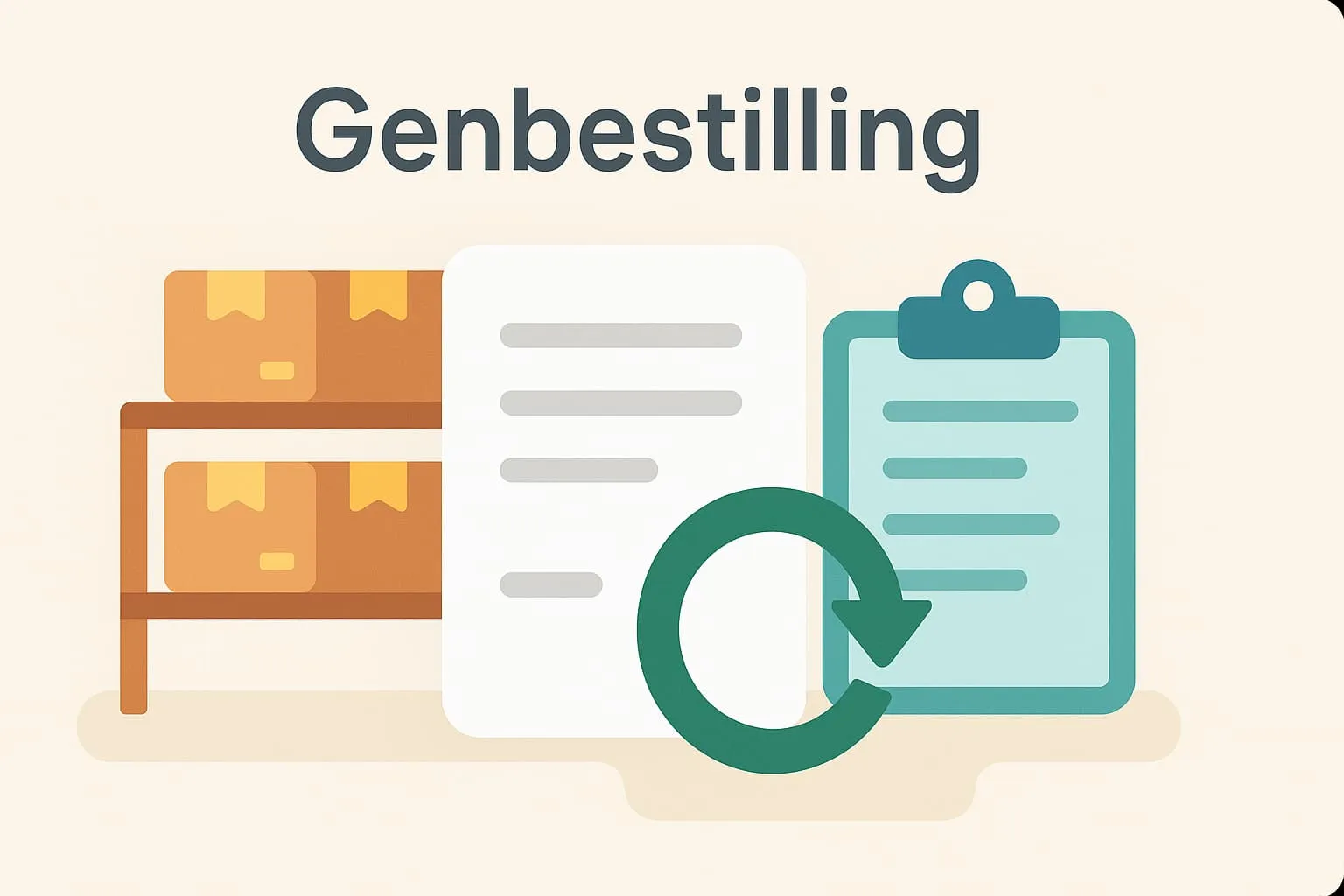
What is reordering?
Reordering refers to the process in which a business – such as a restaurant or café – orders new supplies of items that are about to sell out or are used frequently. It can be done manually, where you keep an eye on stock levels and place the order yourself, or automatically via a POS system that records consumption and creates reorders when stock reaches a set minimum level.
Reordering is a central part of stock management, and when it works efficiently it ensures that popular items such as soft drinks, wine, coffee or specific menu products are always in stock – without overordering and tying up unnecessary capital in inventory. This means both better customer experiences and more efficient operations.
A concrete example from the hospitality industry
Imagine a café that sells lots of croissants every morning. If the café's POS system is set up to record sales and automatically create a reorder when only 20 croissants are left in stock, the system makes sure an order is sent to the supplier in time. This means the café doesn't run out of one of its best-selling items – and avoids disappointing regulars.
Why is reordering important in a POS system?
Reordering plays a key role in daily operations and ensures your restaurant or café always has the goods it needs in stock. A good POS system can record sales data and consumption patterns and use that information to anticipate needs and create reorders automatically. This saves staff time-consuming stock counts and reduces the chance of ordering mistakes.
Especially at busy times – such as weekends or holidays – it is important that your business isn't left without key products. Reordering makes it easy to ensure you are always stocked and ready for customers.
How does Flexybox use reordering?
Flexybox's POS system is designed to support smart stock management. It makes it easy to set automatic reorder points on selected items. When an item falls below the defined stock level, the system creates a reorder so you can quickly and easily pass it on to the supplier. In this way Flexybox helps ensure popular items are always on the shelves – and that your operations run without interruption.
With this feature you don't have to keep an eye on stock manually and can focus on the guest experience instead.
Frequently asked questions
Automatic reordering saves time and reduces the risk of running out of important items, as the system monitors stock levels itself and initiates orders when needed.
Yes, in Flexybox you can set up reordering for the items you want and specify the minimum stock level that triggers a reorder.
The POS system uses sales data and current stock levels to identify when an item is about to run out, and creates a reorder based on the thresholds you have defined.
If an item isn't available, you are notified in the system so you can decide on an alternative order, adjust the quantity or contact the supplier directly.