'%3e%3cpath%20d='M0%200H1.85156L4.83594%200.820312L7.39062%200H8.69531L10.0312%200.648438L11.3047%200H12.6094L15.3594%200.890625L18.1562%200H18.7734L19.25%200.285156L20%200V1.84766L19.2227%204.89453L20%207.39062V8.69531L19.3594%209.89062L20%2011.3047V12.6094L19.4102%2015.293L20%2018.1562V18.7773L19.6953%2019.2031L20%2020H18.1523L15.3789%2019.3164L12.6094%2020H11.3047L10.1328%2019.2305L8.69531%2020H7.39453L4.90625%2019.2109L1.84766%2020H1.22656L0.8125%2019.6875L0%2020V18.1523L0.890625%2015.0664L0%2012.6133V11.3086L0.988281%2010.0586L0%208.69531V7.39062L0.867188%204.86719L0%201.84375V1.22656L0.3125%200.921875L0%200Z'%20fill='%23EEEEEE'/%3e%3cpath%20d='M1.85156%200L7.39062%205.54688V0H1.85156ZM12.6094%200V5.54688L18.1562%200H12.6094ZM0%201.84375V7.39062H5.54688L0%201.84375ZM20%201.84766L14.457%207.39062H20V1.84766ZM0%2012.6094V18.1523L5.54297%2012.6094H0ZM14.4531%2012.6094L20%2018.1562V12.6094H14.4531ZM7.39453%2014.4531L1.84766%2020H7.39453V14.4531ZM12.6094%2014.457V20H18.1523L12.6094%2014.457Z'%20fill='%230052B4'/%3e%3cpath%20d='M8.69531%200V8.69531H0V11.3047H8.69531V20H11.3047V11.3047H20V8.69531H11.3047V0H8.69531Z'%20fill='%23D80027'/%3e%3cpath%20d='M0%200V1.22656L6.16016%207.39062H7.39062L0%200ZM18.7734%200L12.6094%206.16016V7.39062L20%200H18.7734ZM7.39062%2012.6094L0%2020H1.22656L7.39062%2013.8398V12.6094ZM12.6094%2012.6094L19.9961%2020H20V18.7773L13.8398%2012.6094H12.6094Z'%20fill='%23D80027'/%3e%3c/g%3e%3c/svg%3e)
'%3e%3cpath%20d='M0%200H5.21875L6.49609%200.792969L7.82422%200H20V8.69531L19.1953%2010L20%2011.3047V20H7.82422L6.58594%2019.2031L5.21875%2020H0V11.3047L1.14844%2010.0156L0%208.69922V0Z'%20fill='%23D80027'/%3e%3cpath%20d='M5.21875%200V8.69531H0V11.3047H5.21875V20H7.82422V11.3047H20V8.69531H7.82422V0H5.21875Z'%20fill='%23EEEEEE'/%3e%3c/g%3e%3c/svg%3e)
'%3e%3cpath%20d='M0%2013.4766L10.0273%2012.4805L20%2013.4766V20H0V13.4766Z'%20fill='%23FFDA44'/%3e%3cpath%20d='M0%206.52344L9.96094%205.625L20%206.52344V13.4766H0V6.52344Z'%20fill='%23D80027'/%3e%3cpath%20d='M0%200H20V6.52344H0V0Z'%20fill='%23333333'/%3e%3c/g%3e%3c/svg%3e)
'%3e%3cpath%20d='M0%206.51611L9.91406%205.76221L20%206.51611V13.4692L10.043%2014.731L0%2013.4692V6.51611Z'%20fill='%23EEEEEE'/%3e%3cpath%20d='M0%200H20V6.52344H0V0Z'%20fill='%23A2001D'/%3e%3cpath%20d='M0%2013.4766H20V20H0V13.4766Z'%20fill='%230052B4'/%3e%3c/g%3e%3c/svg%3e)
'%3e%3cpath%20d='M0%200H20V20H0Z'%20fill='%230052B4'/%3e%3cpath%20d='M5.21875%200V8.69531H0V11.3047H5.21875V20H7.82422V11.3047H20V8.69531H7.82422V0H5.21875Z'%20fill='%23FFDA44'/%3e%3c/g%3e%3c/svg%3e)
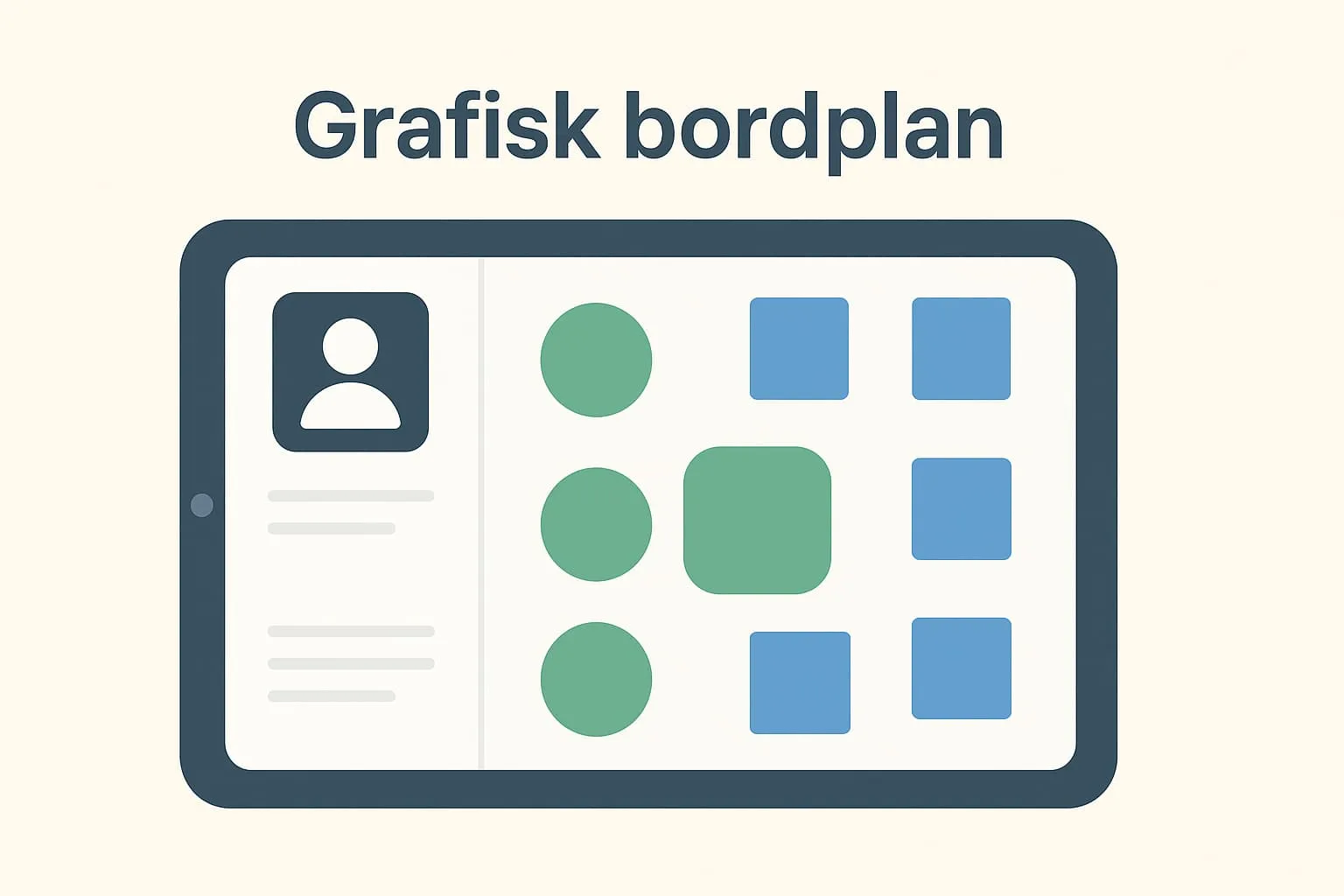
What is a graphical table plan?
A graphical table plan is a digital representation of the restaurant's physical table layout, shown directly in the POS system. It shows where the tables are in the room, which tables are occupied, reserved or free, and how many people each table seats. With a graphical table plan, waiters can easily see which tables are available and quickly seat new guests without guessing or running back and forth across the room.
Unlike a list view, the graphical table plan gives an intuitive, user-friendly overview that matches the real table layout. This makes decisions about seating quicker and easier, especially at busy times.
A practical example
Imagine a café during the lunch rush. A group of four arrives without a reservation. The waiter looks at the graphical table plan in the POS system and can instantly see that table 12 is free and has four seats. With a single click she assigns the guests to the table. At the same time, the table is marked as occupied across the whole system, and the kitchen can link their food order directly to that table via the system's kitchen display screens. This eliminates confusion and keeps all departments in sync.
Why is it important?
Knowing and using a graphical table plan matters when working with a modern POS system, because it creates an overview, saves time and minimises errors. At peak times, a confusing or manually updated table plan can lead to double bookings, empty seats and unhappy guests. A graphical view gives more efficient operations, better guest service and clear communication between front and back of house.
How is the graphical table plan used in Flexybox?
The Flexybox POS and booking system offers a fully integrated graphical table plan that accurately reflects the restaurant's layout. You can assign guests to specific tables directly in the POS system in a few clicks – at booking, on arrival or when moving them. Table status is updated in real time, so the whole team always has the same up-to-date overview. The feature is also closely integrated with kitchen display screens, for example, so orders are sent to the right station for the correct table.
Read also:
– What is a table plan?
– What are kitchen display screens?
Frequently asked questions
No, Flexybox helps you set up the table plan based on the restaurant's physical layout. It can easily be adjusted afterwards if tables are moved or changed.
Yes, you can create separate zones or sections, so you can easily switch between, for example, the dining room, terrace and lounge and get a full overview of all areas.
You can update the table's position in the graphical layout directly in Flexybox, so the digital and physical layouts match.
Yes, when guests book online, their reservation is linked directly to the right table in the system, so you avoid double bookings and get an automated seating plan.