'%3e%3cpath%20d='M0%200H1.85156L4.83594%200.820312L7.39062%200H8.69531L10.0312%200.648438L11.3047%200H12.6094L15.3594%200.890625L18.1562%200H18.7734L19.25%200.285156L20%200V1.84766L19.2227%204.89453L20%207.39062V8.69531L19.3594%209.89062L20%2011.3047V12.6094L19.4102%2015.293L20%2018.1562V18.7773L19.6953%2019.2031L20%2020H18.1523L15.3789%2019.3164L12.6094%2020H11.3047L10.1328%2019.2305L8.69531%2020H7.39453L4.90625%2019.2109L1.84766%2020H1.22656L0.8125%2019.6875L0%2020V18.1523L0.890625%2015.0664L0%2012.6133V11.3086L0.988281%2010.0586L0%208.69531V7.39062L0.867188%204.86719L0%201.84375V1.22656L0.3125%200.921875L0%200Z'%20fill='%23EEEEEE'/%3e%3cpath%20d='M1.85156%200L7.39062%205.54688V0H1.85156ZM12.6094%200V5.54688L18.1562%200H12.6094ZM0%201.84375V7.39062H5.54688L0%201.84375ZM20%201.84766L14.457%207.39062H20V1.84766ZM0%2012.6094V18.1523L5.54297%2012.6094H0ZM14.4531%2012.6094L20%2018.1562V12.6094H14.4531ZM7.39453%2014.4531L1.84766%2020H7.39453V14.4531ZM12.6094%2014.457V20H18.1523L12.6094%2014.457Z'%20fill='%230052B4'/%3e%3cpath%20d='M8.69531%200V8.69531H0V11.3047H8.69531V20H11.3047V11.3047H20V8.69531H11.3047V0H8.69531Z'%20fill='%23D80027'/%3e%3cpath%20d='M0%200V1.22656L6.16016%207.39062H7.39062L0%200ZM18.7734%200L12.6094%206.16016V7.39062L20%200H18.7734ZM7.39062%2012.6094L0%2020H1.22656L7.39062%2013.8398V12.6094ZM12.6094%2012.6094L19.9961%2020H20V18.7773L13.8398%2012.6094H12.6094Z'%20fill='%23D80027'/%3e%3c/g%3e%3c/svg%3e)
'%3e%3cpath%20d='M0%200H5.21875L6.49609%200.792969L7.82422%200H20V8.69531L19.1953%2010L20%2011.3047V20H7.82422L6.58594%2019.2031L5.21875%2020H0V11.3047L1.14844%2010.0156L0%208.69922V0Z'%20fill='%23D80027'/%3e%3cpath%20d='M5.21875%200V8.69531H0V11.3047H5.21875V20H7.82422V11.3047H20V8.69531H7.82422V0H5.21875Z'%20fill='%23EEEEEE'/%3e%3c/g%3e%3c/svg%3e)
'%3e%3cpath%20d='M0%2013.4766L10.0273%2012.4805L20%2013.4766V20H0V13.4766Z'%20fill='%23FFDA44'/%3e%3cpath%20d='M0%206.52344L9.96094%205.625L20%206.52344V13.4766H0V6.52344Z'%20fill='%23D80027'/%3e%3cpath%20d='M0%200H20V6.52344H0V0Z'%20fill='%23333333'/%3e%3c/g%3e%3c/svg%3e)
'%3e%3cpath%20d='M0%206.51611L9.91406%205.76221L20%206.51611V13.4692L10.043%2014.731L0%2013.4692V6.51611Z'%20fill='%23EEEEEE'/%3e%3cpath%20d='M0%200H20V6.52344H0V0Z'%20fill='%23A2001D'/%3e%3cpath%20d='M0%2013.4766H20V20H0V13.4766Z'%20fill='%230052B4'/%3e%3c/g%3e%3c/svg%3e)
'%3e%3cpath%20d='M0%200H20V20H0Z'%20fill='%230052B4'/%3e%3cpath%20d='M5.21875%200V8.69531H0V11.3047H5.21875V20H7.82422V11.3047H20V8.69531H7.82422V0H5.21875Z'%20fill='%23FFDA44'/%3e%3c/g%3e%3c/svg%3e)
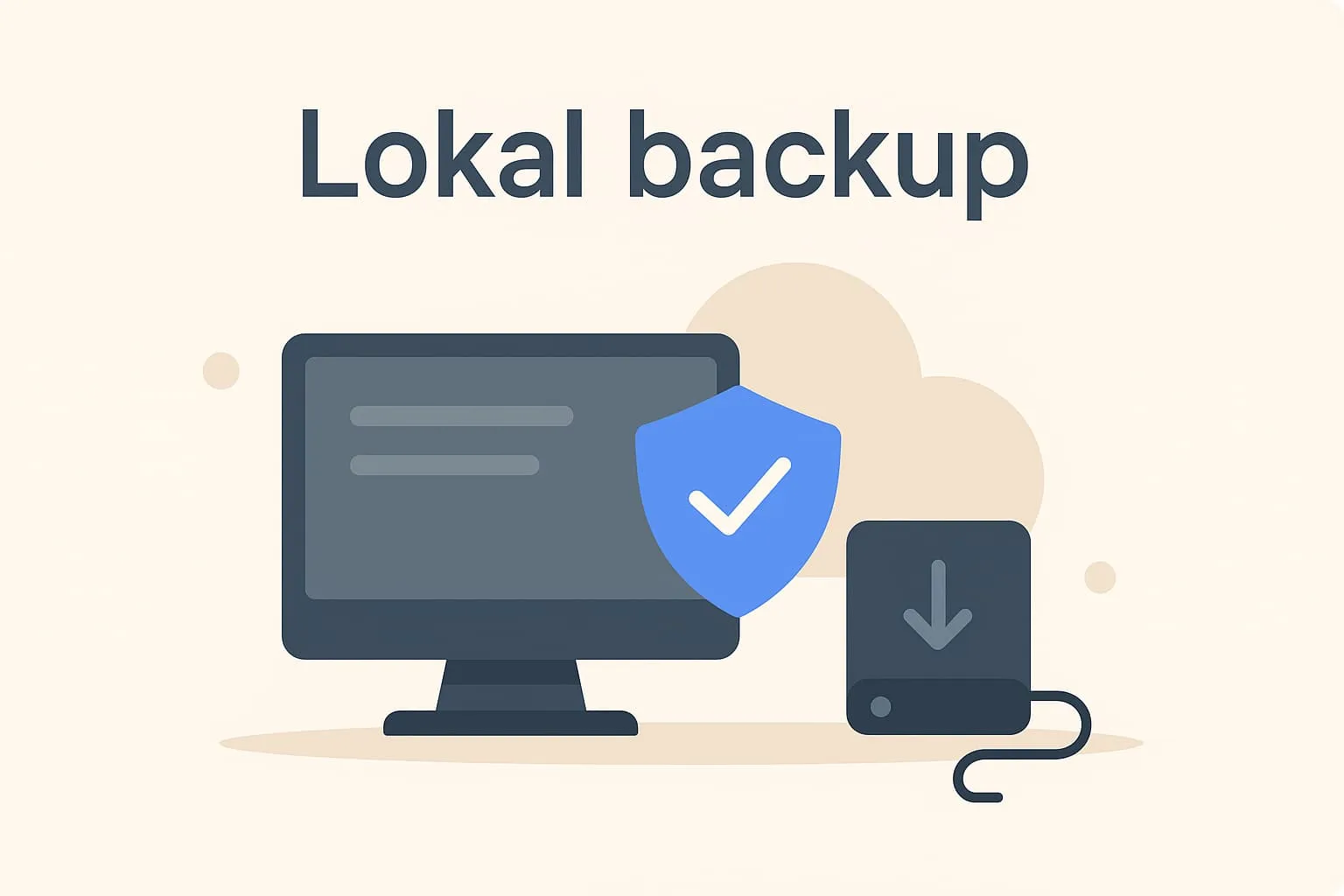
What is a local backup?
A local backup means your data is stored on physical storage located on site in your restaurant, café or similar business. It can be a server, computer or external hard drive on the premises that is regularly updated with the latest information from your till system (POS system). The purpose of a local backup is to make sure important business data – such as sales data, table reservations and staff hours – is not lost if there is a fault or interruption affecting the internet connection or the cloud solution.
A local backup therefore ensures you still have access to your essential business data, even if you experience an internet outage, problems with cloud services or a power cut that affects your network-based solutions.
An example from the restaurant
Imagine your café loses its internet connection one evening in the middle of the dinner rush. Cloud-based functionality such as the payment terminal and live table management is temporarily unavailable. Fortunately, your Flexybox POS system has a local backup on the server in the back room. Till data and the day’s transactions remain available and up to date – and you can keep serving guests until the connection is back. That way you avoid lost revenue and hassle.
Why is it important?
When you run a restaurant or café, your data is crucial. It helps you manage stock, staffing, bookings and much more. By knowing the term “local backup” and understanding what it does, you get greater operational reliability. You protect your data – also in emergencies – and ensure stable operations even when the technology fails. It is also closely linked to terms such as data protection and compliance, meaning adherence to legislation and internal security standards.
Local backup in Flexybox
Flexybox’ POS and booking systems combine security in the cloud with local backup. This means all your data is stored both in a cloud solution and on a local device in your business. This hybrid model gives extra security: if the internet connection fails, the system keeps working locally and syncs again automatically when the connection is restored. It is a solution that ensures high reliability – even under pressure – and makes it easy to keep track of sales data, customer information and more.
Frequently asked questions
No, a local backup is stored physically in your business, while a cloud backup is stored online over the internet. Many use both solutions together for greater security.
If you use Flexybox, the system comes with an automatic solution that takes care of local backup – you don’t need to do anything yourself.
If the local backup is physically damaged, you still have access to your data through the cloud backup if you use Flexybox. That is exactly why it is important to have both.
In Flexybox data is saved continuously, so you always have the latest version at hand – even if the system temporarily loses its internet connection.