'%3e%3cpath%20d='M0%200H1.85156L4.83594%200.820312L7.39062%200H8.69531L10.0312%200.648438L11.3047%200H12.6094L15.3594%200.890625L18.1562%200H18.7734L19.25%200.285156L20%200V1.84766L19.2227%204.89453L20%207.39062V8.69531L19.3594%209.89062L20%2011.3047V12.6094L19.4102%2015.293L20%2018.1562V18.7773L19.6953%2019.2031L20%2020H18.1523L15.3789%2019.3164L12.6094%2020H11.3047L10.1328%2019.2305L8.69531%2020H7.39453L4.90625%2019.2109L1.84766%2020H1.22656L0.8125%2019.6875L0%2020V18.1523L0.890625%2015.0664L0%2012.6133V11.3086L0.988281%2010.0586L0%208.69531V7.39062L0.867188%204.86719L0%201.84375V1.22656L0.3125%200.921875L0%200Z'%20fill='%23EEEEEE'/%3e%3cpath%20d='M1.85156%200L7.39062%205.54688V0H1.85156ZM12.6094%200V5.54688L18.1562%200H12.6094ZM0%201.84375V7.39062H5.54688L0%201.84375ZM20%201.84766L14.457%207.39062H20V1.84766ZM0%2012.6094V18.1523L5.54297%2012.6094H0ZM14.4531%2012.6094L20%2018.1562V12.6094H14.4531ZM7.39453%2014.4531L1.84766%2020H7.39453V14.4531ZM12.6094%2014.457V20H18.1523L12.6094%2014.457Z'%20fill='%230052B4'/%3e%3cpath%20d='M8.69531%200V8.69531H0V11.3047H8.69531V20H11.3047V11.3047H20V8.69531H11.3047V0H8.69531Z'%20fill='%23D80027'/%3e%3cpath%20d='M0%200V1.22656L6.16016%207.39062H7.39062L0%200ZM18.7734%200L12.6094%206.16016V7.39062L20%200H18.7734ZM7.39062%2012.6094L0%2020H1.22656L7.39062%2013.8398V12.6094ZM12.6094%2012.6094L19.9961%2020H20V18.7773L13.8398%2012.6094H12.6094Z'%20fill='%23D80027'/%3e%3c/g%3e%3c/svg%3e)
'%3e%3cpath%20d='M0%200H5.21875L6.49609%200.792969L7.82422%200H20V8.69531L19.1953%2010L20%2011.3047V20H7.82422L6.58594%2019.2031L5.21875%2020H0V11.3047L1.14844%2010.0156L0%208.69922V0Z'%20fill='%23D80027'/%3e%3cpath%20d='M5.21875%200V8.69531H0V11.3047H5.21875V20H7.82422V11.3047H20V8.69531H7.82422V0H5.21875Z'%20fill='%23EEEEEE'/%3e%3c/g%3e%3c/svg%3e)
'%3e%3cpath%20d='M0%2013.4766L10.0273%2012.4805L20%2013.4766V20H0V13.4766Z'%20fill='%23FFDA44'/%3e%3cpath%20d='M0%206.52344L9.96094%205.625L20%206.52344V13.4766H0V6.52344Z'%20fill='%23D80027'/%3e%3cpath%20d='M0%200H20V6.52344H0V0Z'%20fill='%23333333'/%3e%3c/g%3e%3c/svg%3e)
'%3e%3cpath%20d='M0%206.51611L9.91406%205.76221L20%206.51611V13.4692L10.043%2014.731L0%2013.4692V6.51611Z'%20fill='%23EEEEEE'/%3e%3cpath%20d='M0%200H20V6.52344H0V0Z'%20fill='%23A2001D'/%3e%3cpath%20d='M0%2013.4766H20V20H0V13.4766Z'%20fill='%230052B4'/%3e%3c/g%3e%3c/svg%3e)
'%3e%3cpath%20d='M0%200H20V20H0Z'%20fill='%230052B4'/%3e%3cpath%20d='M5.21875%200V8.69531H0V11.3047H5.21875V20H7.82422V11.3047H20V8.69531H7.82422V0H5.21875Z'%20fill='%23FFDA44'/%3e%3c/g%3e%3c/svg%3e)
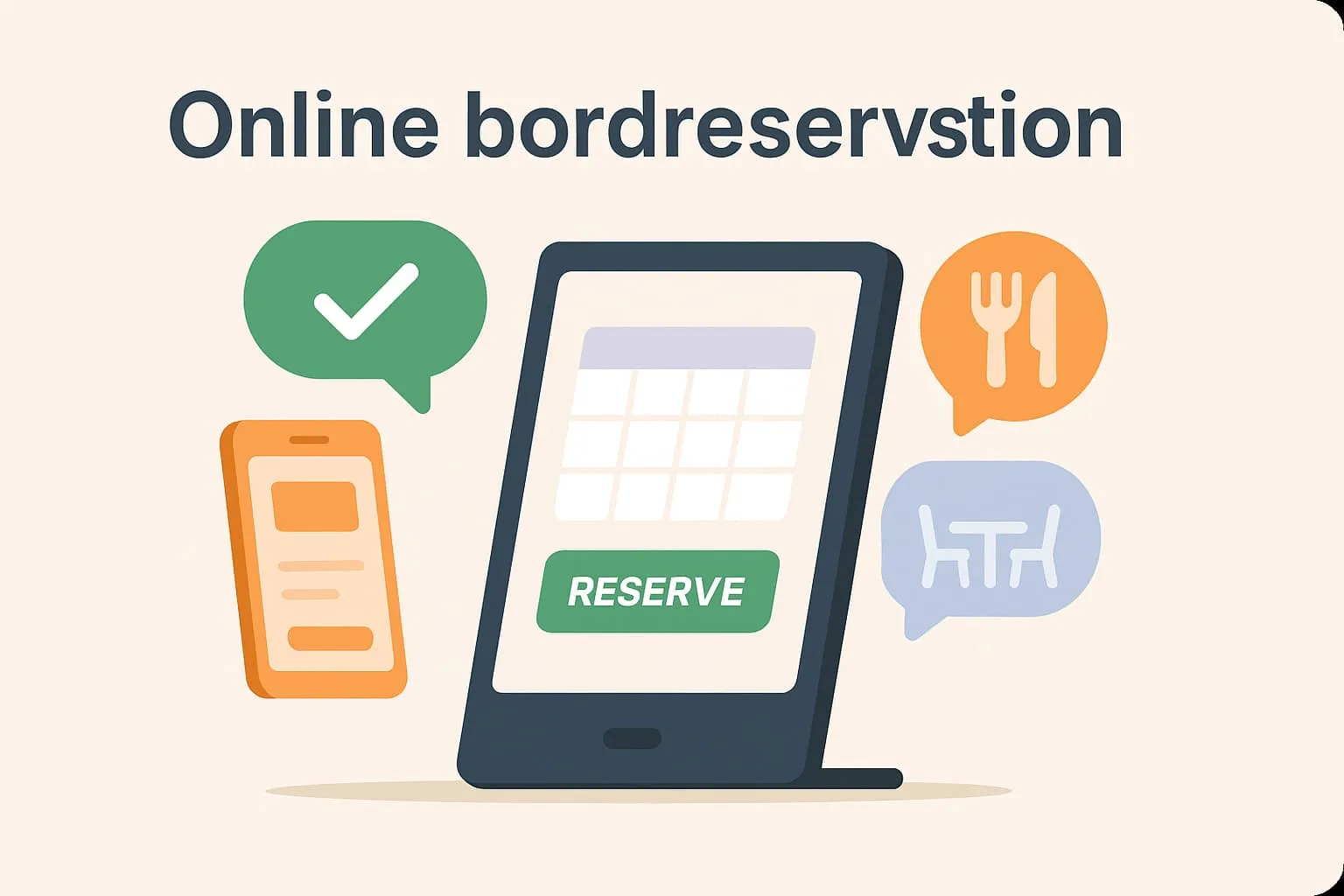
What is an online table reservation?
Online table reservation covers guests’ ability to book a table at a restaurant, café or similar via a digital platform – often directly from the business’s website, social media or an app. With online table reservation, guests can find available times, choose their preferred time and number of people, and then receive confirmation of their booking – all without contacting staff directly.
An important aspect of online reservations is that the system works in real time. A reservation is immediately updated in the restaurant’s booking system, so overbooking is avoided and staff have the full overview. The system can also be set up to show different table layouts, dining windows and restrictions on opening hours.
Example:
A guest is planning a dinner on Saturday evening and visits your restaurant’s website. There they see a “Book a table” button. Through a simple online form, they choose the time, number of people and any requests such as a window seat or allergens. The reservation goes straight into your restaurant system, and the guest automatically receives a confirmation email. The day before the visit, the guest gets a reminder by SMS or email – all without your staff lifting a finger.
Why is it important to know the term in a POS context?
When online table reservation is integrated with your POS system, it becomes an active part of daily operations. It gives you data on which times are busiest and how many covers you can expect, and lets you prepare and plan staff resources better. It streamlines workflows, reduces errors and gives your guests a better experience. The integration can also give insight into customer behaviour and support marketing activities such as campaigns and loyalty programmes.
How online table reservation is used in the Flexybox system
Flexybox offers a fully integrated system for online table reservation. The system lets guests reserve a table online, while staff get real-time updates on the restaurant’s capacity directly in the POS or booking system. As a restaurateur, you can easily optimise table use and reduce idle time between bookings. The system can also handle waiting lists and send automatic messages to guests before and after their visit.
Frequently asked questions
Yes, in the system you can define opening hours, dining windows and possible reservation times yourself, to suit your operations.
Yes, many solutions offer prepayment or a deposit as security against losing revenue from no-shows.
Guests can easily cancel via a link in their confirmation email, and your system is updated automatically, so you can give the table to another customer.
You get one combined overview of all the day’s reservations directly in the sales and operations module, which improves planning, guest service and revenue.