'%3e%3cpath%20d='M0%200H1.85156L4.83594%200.820312L7.39062%200H8.69531L10.0312%200.648438L11.3047%200H12.6094L15.3594%200.890625L18.1562%200H18.7734L19.25%200.285156L20%200V1.84766L19.2227%204.89453L20%207.39062V8.69531L19.3594%209.89062L20%2011.3047V12.6094L19.4102%2015.293L20%2018.1562V18.7773L19.6953%2019.2031L20%2020H18.1523L15.3789%2019.3164L12.6094%2020H11.3047L10.1328%2019.2305L8.69531%2020H7.39453L4.90625%2019.2109L1.84766%2020H1.22656L0.8125%2019.6875L0%2020V18.1523L0.890625%2015.0664L0%2012.6133V11.3086L0.988281%2010.0586L0%208.69531V7.39062L0.867188%204.86719L0%201.84375V1.22656L0.3125%200.921875L0%200Z'%20fill='%23EEEEEE'/%3e%3cpath%20d='M1.85156%200L7.39062%205.54688V0H1.85156ZM12.6094%200V5.54688L18.1562%200H12.6094ZM0%201.84375V7.39062H5.54688L0%201.84375ZM20%201.84766L14.457%207.39062H20V1.84766ZM0%2012.6094V18.1523L5.54297%2012.6094H0ZM14.4531%2012.6094L20%2018.1562V12.6094H14.4531ZM7.39453%2014.4531L1.84766%2020H7.39453V14.4531ZM12.6094%2014.457V20H18.1523L12.6094%2014.457Z'%20fill='%230052B4'/%3e%3cpath%20d='M8.69531%200V8.69531H0V11.3047H8.69531V20H11.3047V11.3047H20V8.69531H11.3047V0H8.69531Z'%20fill='%23D80027'/%3e%3cpath%20d='M0%200V1.22656L6.16016%207.39062H7.39062L0%200ZM18.7734%200L12.6094%206.16016V7.39062L20%200H18.7734ZM7.39062%2012.6094L0%2020H1.22656L7.39062%2013.8398V12.6094ZM12.6094%2012.6094L19.9961%2020H20V18.7773L13.8398%2012.6094H12.6094Z'%20fill='%23D80027'/%3e%3c/g%3e%3c/svg%3e)
'%3e%3cpath%20d='M0%200H5.21875L6.49609%200.792969L7.82422%200H20V8.69531L19.1953%2010L20%2011.3047V20H7.82422L6.58594%2019.2031L5.21875%2020H0V11.3047L1.14844%2010.0156L0%208.69922V0Z'%20fill='%23D80027'/%3e%3cpath%20d='M5.21875%200V8.69531H0V11.3047H5.21875V20H7.82422V11.3047H20V8.69531H7.82422V0H5.21875Z'%20fill='%23EEEEEE'/%3e%3c/g%3e%3c/svg%3e)
'%3e%3cpath%20d='M0%2013.4766L10.0273%2012.4805L20%2013.4766V20H0V13.4766Z'%20fill='%23FFDA44'/%3e%3cpath%20d='M0%206.52344L9.96094%205.625L20%206.52344V13.4766H0V6.52344Z'%20fill='%23D80027'/%3e%3cpath%20d='M0%200H20V6.52344H0V0Z'%20fill='%23333333'/%3e%3c/g%3e%3c/svg%3e)
'%3e%3cpath%20d='M0%206.51611L9.91406%205.76221L20%206.51611V13.4692L10.043%2014.731L0%2013.4692V6.51611Z'%20fill='%23EEEEEE'/%3e%3cpath%20d='M0%200H20V6.52344H0V0Z'%20fill='%23A2001D'/%3e%3cpath%20d='M0%2013.4766H20V20H0V13.4766Z'%20fill='%230052B4'/%3e%3c/g%3e%3c/svg%3e)
'%3e%3cpath%20d='M0%200H20V20H0Z'%20fill='%230052B4'/%3e%3cpath%20d='M5.21875%200V8.69531H0V11.3047H5.21875V20H7.82422V11.3047H20V8.69531H7.82422V0H5.21875Z'%20fill='%23FFDA44'/%3e%3c/g%3e%3c/svg%3e)
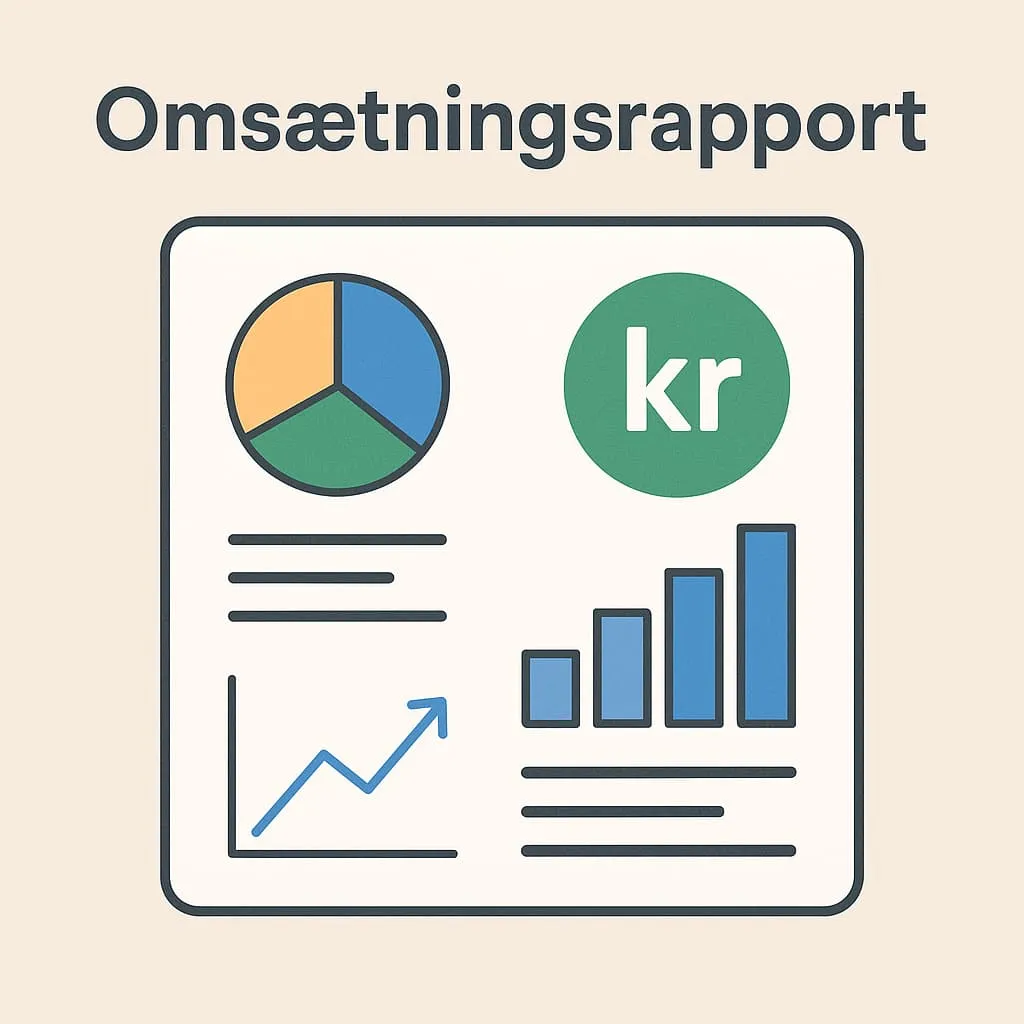
What is a revenue report?
A revenue report is a key analysis tool in any restaurant, café or similar business that uses a modern POS system. The report shows how much the business has sold in a given period – such as a day, week, month or year – and breaks revenue down by parameters such as product groups, payment methods, employees and time of day.
A revenue report gives you a clear overview of how well your business is performing. It helps you see which menu items sell best, which times are busiest and which employees generate the most sales. The report’s data is usually pulled directly from your POS system, so you quickly get an accurate picture of the business’s financial activity.
Example: In a café, the owner runs the revenue report for the past week. The report shows that 40% of revenue comes from coffee drinks, 25% from pastries and 20% from lunch dishes, and that the highest revenue is between 9 am and 12 noon. The employee Line accounts for 30% of sales. The owner uses this information to adjust stock, put Line on more morning shifts and test new offers at popular times.
Why is it important?
Knowing and using revenue reports is essential to running a financially healthy business. You can quickly get an overview of what works – and what doesn’t. The reports can also be used for bookkeeping, as they document sales to your accountant or the authorities.
When you have accurate sales figures, you can make better decisions about staffing, purchasing and offers. It also makes your meetings with the bank or investors more data-driven and professional.
How does Flexybox use revenue reports?
In the Flexybox POS system, you can generate revenue reports that give detailed insight broken down by day, product group, employee and unit (for example if you have several locations). You get a user-friendly overview directly in the system – and you can export data to CSV format, which makes further financial analysis or bookkeeping easy. The reports are also often used in our integration with accounting software – read more under: Bookkeeping.
Also read our entries on:
Frequently asked questions
A daily report mainly shows total revenue and transactions for one day, while a revenue report can cover any period and be broken down in more detail – for example by product group or employee.
Yes, revenue reports are a good basis for bookkeeping because they give an overview of sales. Many POS systems, such as Flexybox, also support export for use in accounting software.
It depends on your business’s needs, but many café and restaurant owners check the reports daily or weekly to follow developments and act quickly.
Yes, in Flexybox you can see how large a share of revenue each employee accounts for. That gives you a tool for giving feedback and planning staffing.