'%3e%3cpath%20d='M0%200H1.85156L4.83594%200.820312L7.39062%200H8.69531L10.0312%200.648438L11.3047%200H12.6094L15.3594%200.890625L18.1562%200H18.7734L19.25%200.285156L20%200V1.84766L19.2227%204.89453L20%207.39062V8.69531L19.3594%209.89062L20%2011.3047V12.6094L19.4102%2015.293L20%2018.1562V18.7773L19.6953%2019.2031L20%2020H18.1523L15.3789%2019.3164L12.6094%2020H11.3047L10.1328%2019.2305L8.69531%2020H7.39453L4.90625%2019.2109L1.84766%2020H1.22656L0.8125%2019.6875L0%2020V18.1523L0.890625%2015.0664L0%2012.6133V11.3086L0.988281%2010.0586L0%208.69531V7.39062L0.867188%204.86719L0%201.84375V1.22656L0.3125%200.921875L0%200Z'%20fill='%23EEEEEE'/%3e%3cpath%20d='M1.85156%200L7.39062%205.54688V0H1.85156ZM12.6094%200V5.54688L18.1562%200H12.6094ZM0%201.84375V7.39062H5.54688L0%201.84375ZM20%201.84766L14.457%207.39062H20V1.84766ZM0%2012.6094V18.1523L5.54297%2012.6094H0ZM14.4531%2012.6094L20%2018.1562V12.6094H14.4531ZM7.39453%2014.4531L1.84766%2020H7.39453V14.4531ZM12.6094%2014.457V20H18.1523L12.6094%2014.457Z'%20fill='%230052B4'/%3e%3cpath%20d='M8.69531%200V8.69531H0V11.3047H8.69531V20H11.3047V11.3047H20V8.69531H11.3047V0H8.69531Z'%20fill='%23D80027'/%3e%3cpath%20d='M0%200V1.22656L6.16016%207.39062H7.39062L0%200ZM18.7734%200L12.6094%206.16016V7.39062L20%200H18.7734ZM7.39062%2012.6094L0%2020H1.22656L7.39062%2013.8398V12.6094ZM12.6094%2012.6094L19.9961%2020H20V18.7773L13.8398%2012.6094H12.6094Z'%20fill='%23D80027'/%3e%3c/g%3e%3c/svg%3e)
'%3e%3cpath%20d='M0%200H5.21875L6.49609%200.792969L7.82422%200H20V8.69531L19.1953%2010L20%2011.3047V20H7.82422L6.58594%2019.2031L5.21875%2020H0V11.3047L1.14844%2010.0156L0%208.69922V0Z'%20fill='%23D80027'/%3e%3cpath%20d='M5.21875%200V8.69531H0V11.3047H5.21875V20H7.82422V11.3047H20V8.69531H7.82422V0H5.21875Z'%20fill='%23EEEEEE'/%3e%3c/g%3e%3c/svg%3e)
'%3e%3cpath%20d='M0%2013.4766L10.0273%2012.4805L20%2013.4766V20H0V13.4766Z'%20fill='%23FFDA44'/%3e%3cpath%20d='M0%206.52344L9.96094%205.625L20%206.52344V13.4766H0V6.52344Z'%20fill='%23D80027'/%3e%3cpath%20d='M0%200H20V6.52344H0V0Z'%20fill='%23333333'/%3e%3c/g%3e%3c/svg%3e)
'%3e%3cpath%20d='M0%206.51611L9.91406%205.76221L20%206.51611V13.4692L10.043%2014.731L0%2013.4692V6.51611Z'%20fill='%23EEEEEE'/%3e%3cpath%20d='M0%200H20V6.52344H0V0Z'%20fill='%23A2001D'/%3e%3cpath%20d='M0%2013.4766H20V20H0V13.4766Z'%20fill='%230052B4'/%3e%3c/g%3e%3c/svg%3e)
'%3e%3cpath%20d='M0%200H20V20H0Z'%20fill='%230052B4'/%3e%3cpath%20d='M5.21875%200V8.69531H0V11.3047H5.21875V20H7.82422V11.3047H20V8.69531H7.82422V0H5.21875Z'%20fill='%23FFDA44'/%3e%3c/g%3e%3c/svg%3e)
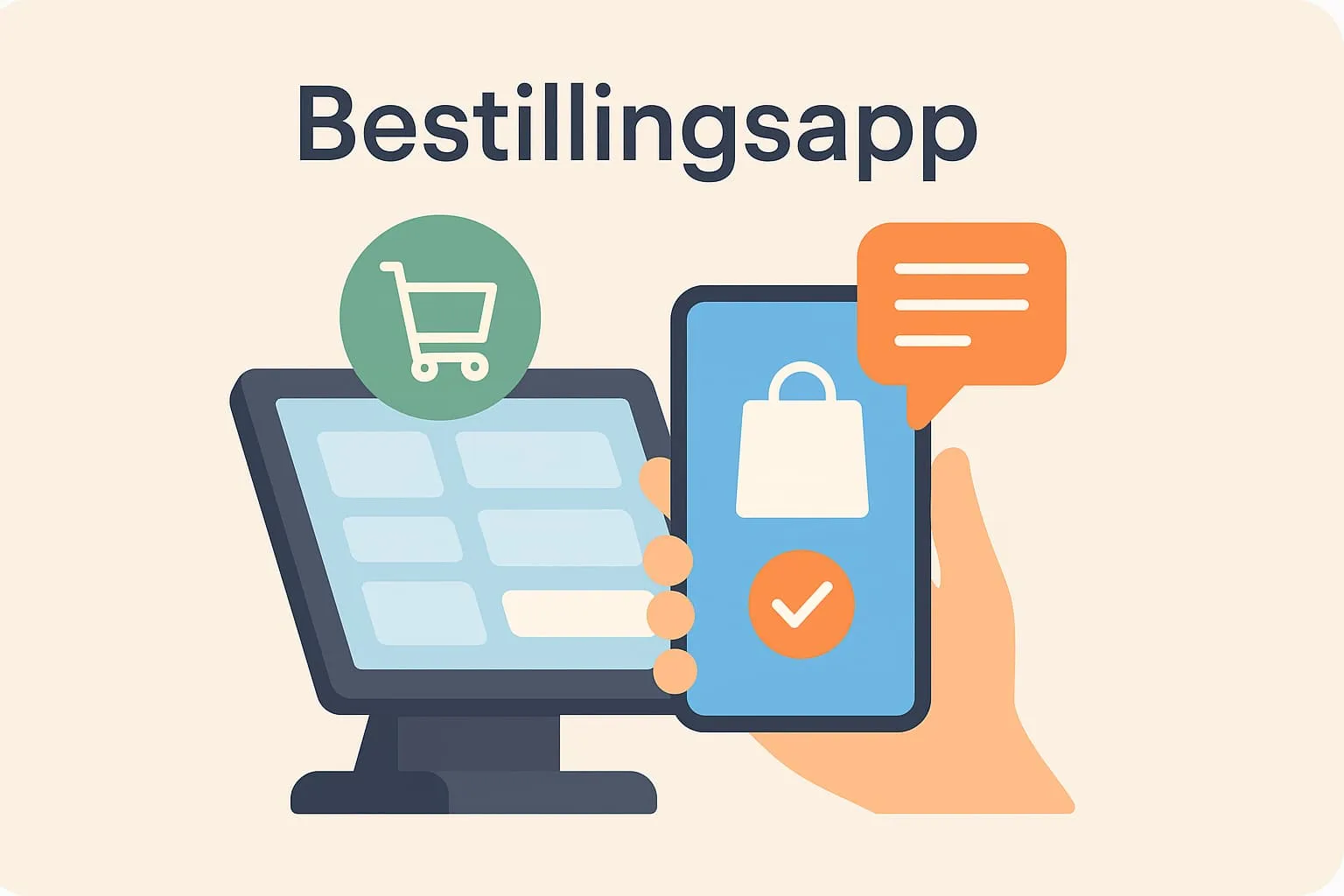
An ordering app is a digital solution that lets guests place their order by phone – either by scanning a QR code on the table or downloading an app. Instead of waiting to be served, guests can quickly choose dishes and drinks, send the order directly to the kitchen and in some cases even pay the bill from their phone. This saves time for both staff and guests and improves accuracy in the ordering process.
A typical example from the restaurant industry: a busy café lets its guests order via a QR code on the table. When the guest scans the code, the ordering app opens and shows the whole menu. The guest chooses a coffee and a sandwich, sends the order directly to the kitchen and gets the food served without waiting for a waiter. At the same time, the café's POS system is updated automatically with the order, so the staff behind the counter know exactly what to make and when.
Ordering apps are especially relevant in busy restaurants and cafés where staff are stretched and guests appreciate fast, flexible service. When you work with a POS system, it is important to know about ordering apps, as they can be integrated directly with your till system and make operations more efficient. They reduce errors, improve customer service and free up staff time for tasks that add value – such as upselling or a better guest experience.
An ordering app differs from a physical ordering screen in that guests use their own phone. You can read more about the difference here:
Read more about ordering screens
Read more about online ordering
How does Flexybox use an ordering app in practice?
Flexybox offers an ordering app where guests can order quickly and easily from their own phone. Once the guest has chosen their items, the order is sent automatically into the Flexybox POS system, where staff in the kitchen or bar can prepare it straight away. This means shorter waiting times, fewer errors and a better service experience for the guest. The ordering app can also be used together with the Flexybox booking system, so guests can order food and drinks in connection with a table reservation, for example.
Frequently asked questions
No, guests use their own smartphone. Often they scan a QR code that takes them into the ordering app.
Yes, your entire menu can be added to the app, including images, descriptions and prices. You decide how it is displayed.
Yes, with Flexybox the ordering app is directly integrated with the POS system, so orders go into the system automatically.
Yes, the Flexybox ordering app supports payment by phone, making the whole ordering and payment flow digital and simple.