'%3e%3cpath%20d='M0%200H1.85156L4.83594%200.820312L7.39062%200H8.69531L10.0312%200.648438L11.3047%200H12.6094L15.3594%200.890625L18.1562%200H18.7734L19.25%200.285156L20%200V1.84766L19.2227%204.89453L20%207.39062V8.69531L19.3594%209.89062L20%2011.3047V12.6094L19.4102%2015.293L20%2018.1562V18.7773L19.6953%2019.2031L20%2020H18.1523L15.3789%2019.3164L12.6094%2020H11.3047L10.1328%2019.2305L8.69531%2020H7.39453L4.90625%2019.2109L1.84766%2020H1.22656L0.8125%2019.6875L0%2020V18.1523L0.890625%2015.0664L0%2012.6133V11.3086L0.988281%2010.0586L0%208.69531V7.39062L0.867188%204.86719L0%201.84375V1.22656L0.3125%200.921875L0%200Z'%20fill='%23EEEEEE'/%3e%3cpath%20d='M1.85156%200L7.39062%205.54688V0H1.85156ZM12.6094%200V5.54688L18.1562%200H12.6094ZM0%201.84375V7.39062H5.54688L0%201.84375ZM20%201.84766L14.457%207.39062H20V1.84766ZM0%2012.6094V18.1523L5.54297%2012.6094H0ZM14.4531%2012.6094L20%2018.1562V12.6094H14.4531ZM7.39453%2014.4531L1.84766%2020H7.39453V14.4531ZM12.6094%2014.457V20H18.1523L12.6094%2014.457Z'%20fill='%230052B4'/%3e%3cpath%20d='M8.69531%200V8.69531H0V11.3047H8.69531V20H11.3047V11.3047H20V8.69531H11.3047V0H8.69531Z'%20fill='%23D80027'/%3e%3cpath%20d='M0%200V1.22656L6.16016%207.39062H7.39062L0%200ZM18.7734%200L12.6094%206.16016V7.39062L20%200H18.7734ZM7.39062%2012.6094L0%2020H1.22656L7.39062%2013.8398V12.6094ZM12.6094%2012.6094L19.9961%2020H20V18.7773L13.8398%2012.6094H12.6094Z'%20fill='%23D80027'/%3e%3c/g%3e%3c/svg%3e)
'%3e%3cpath%20d='M0%200H5.21875L6.49609%200.792969L7.82422%200H20V8.69531L19.1953%2010L20%2011.3047V20H7.82422L6.58594%2019.2031L5.21875%2020H0V11.3047L1.14844%2010.0156L0%208.69922V0Z'%20fill='%23D80027'/%3e%3cpath%20d='M5.21875%200V8.69531H0V11.3047H5.21875V20H7.82422V11.3047H20V8.69531H7.82422V0H5.21875Z'%20fill='%23EEEEEE'/%3e%3c/g%3e%3c/svg%3e)
'%3e%3cpath%20d='M0%2013.4766L10.0273%2012.4805L20%2013.4766V20H0V13.4766Z'%20fill='%23FFDA44'/%3e%3cpath%20d='M0%206.52344L9.96094%205.625L20%206.52344V13.4766H0V6.52344Z'%20fill='%23D80027'/%3e%3cpath%20d='M0%200H20V6.52344H0V0Z'%20fill='%23333333'/%3e%3c/g%3e%3c/svg%3e)
'%3e%3cpath%20d='M0%206.51611L9.91406%205.76221L20%206.51611V13.4692L10.043%2014.731L0%2013.4692V6.51611Z'%20fill='%23EEEEEE'/%3e%3cpath%20d='M0%200H20V6.52344H0V0Z'%20fill='%23A2001D'/%3e%3cpath%20d='M0%2013.4766H20V20H0V13.4766Z'%20fill='%230052B4'/%3e%3c/g%3e%3c/svg%3e)
'%3e%3cpath%20d='M0%200H20V20H0Z'%20fill='%230052B4'/%3e%3cpath%20d='M5.21875%200V8.69531H0V11.3047H5.21875V20H7.82422V11.3047H20V8.69531H7.82422V0H5.21875Z'%20fill='%23FFDA44'/%3e%3c/g%3e%3c/svg%3e)
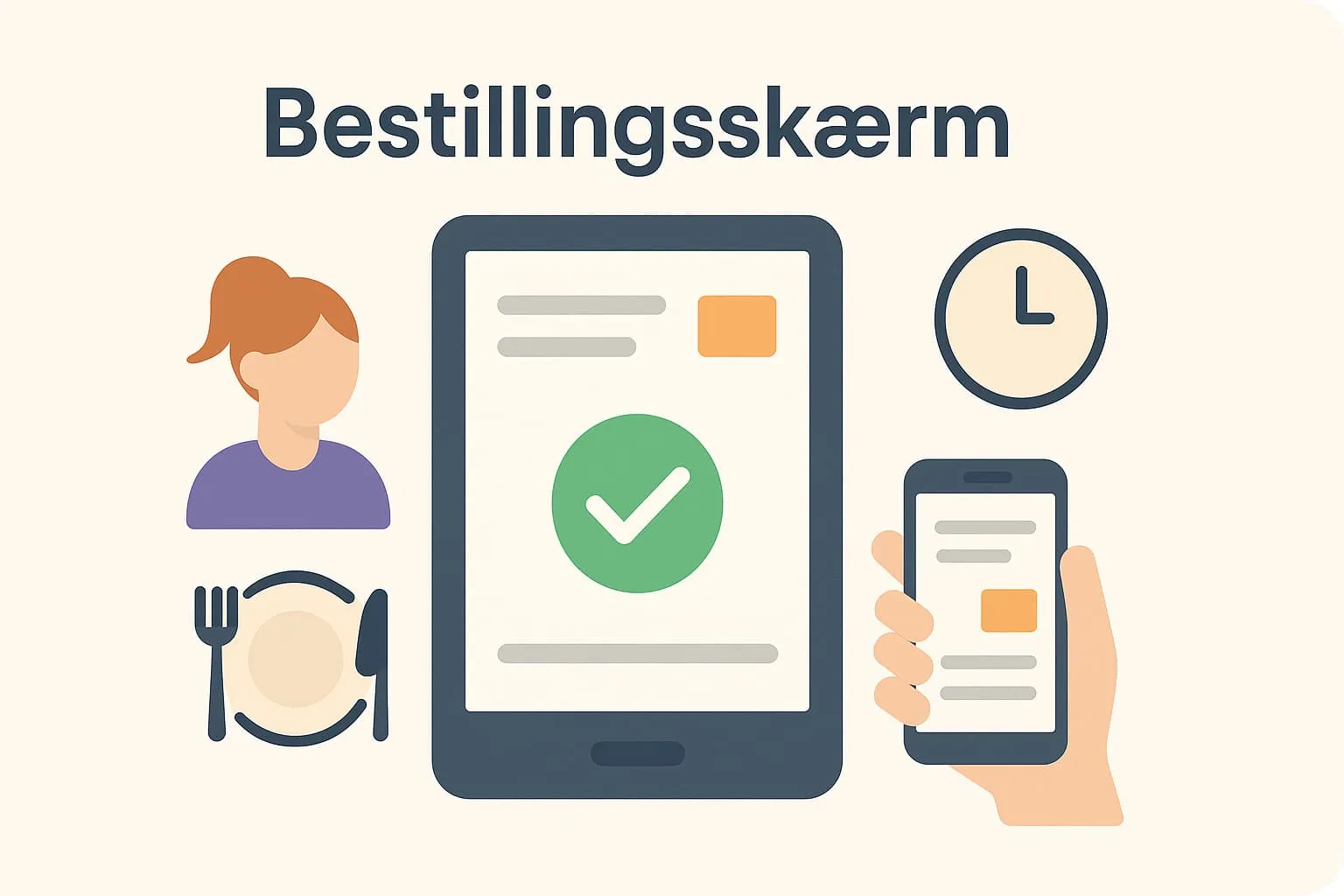
An ordering screen is a digital touchscreen used in restaurants, cafés and similar venues to take orders – either by staff or by guests themselves. The screen is typically an integrated part of the restaurant's POS system and gives an overview of the menu, add-ons and possible changes, making ordering faster, more accurate and much more user-friendly.
Ordering screens can be placed at the counter, at staff workstations or freely available to guests – for example as a self-service solution. These screens are designed to reduce waiting time and ensure that all orders are recorded correctly and sent on immediately to, for example, the kitchen or bar.
A practical example:
In a busy café, the waiter uses an ordering screen to take an order at the table. On the screen, she quickly selects the dishes from the menu, adds a note to the kitchen about allergens and sends the order straight off. At the same time, the order appears on the kitchen's own screen, so the chefs can get started right away. The waiter does not have to walk to a station or write anything down – everything is handled from one screen, which saves time and minimises the risk of errors.
Why is an ordering screen important?
Ordering screens are central in modern food service because they increase efficiency, improve customer service and make it easier to handle many orders quickly and correctly. When you work with a POS system such as Flexybox, the ordering screen is typically the everyday tool from which orders are received and passed on in the system. Understanding and using an ordering screen effectively is therefore a key factor in running a modern restaurant or café.
How is the ordering screen used in Flexybox?
In the Flexybox till system, the ordering screen is a central part of the user interface, where staff can quickly take and send orders – directly to the kitchen, bar or other stations. The system lets you customise the ordering screen to your menu structure and workflows, so it fits your business exactly. This helps shorten waiting times and eliminate misunderstandings, while giving management data insight into sales and ordering patterns.
Many also use the ordering screen in combination with other technologies such as an
ordering app or self-service kiosks, which let guests place their own orders.
Frequently asked questions
The ordering screen is typically used by waiters and other serving staff, but can also be used by guests in self-service solutions.
Yes, in systems like Flexybox you can customise the layout and structure of menu items to match the business's needs and workflows.
An ordering screen is most often used by staff, while a self-service kiosk is placed in a public area so guests can order directly via the screen themselves.
It ensures that the order is understood correctly and carried out quickly, which reduces errors, shortens waiting times and improves the customer experience.