'%3e%3cpath%20d='M0%200H1.85156L4.83594%200.820312L7.39062%200H8.69531L10.0312%200.648438L11.3047%200H12.6094L15.3594%200.890625L18.1562%200H18.7734L19.25%200.285156L20%200V1.84766L19.2227%204.89453L20%207.39062V8.69531L19.3594%209.89062L20%2011.3047V12.6094L19.4102%2015.293L20%2018.1562V18.7773L19.6953%2019.2031L20%2020H18.1523L15.3789%2019.3164L12.6094%2020H11.3047L10.1328%2019.2305L8.69531%2020H7.39453L4.90625%2019.2109L1.84766%2020H1.22656L0.8125%2019.6875L0%2020V18.1523L0.890625%2015.0664L0%2012.6133V11.3086L0.988281%2010.0586L0%208.69531V7.39062L0.867188%204.86719L0%201.84375V1.22656L0.3125%200.921875L0%200Z'%20fill='%23EEEEEE'/%3e%3cpath%20d='M1.85156%200L7.39062%205.54688V0H1.85156ZM12.6094%200V5.54688L18.1562%200H12.6094ZM0%201.84375V7.39062H5.54688L0%201.84375ZM20%201.84766L14.457%207.39062H20V1.84766ZM0%2012.6094V18.1523L5.54297%2012.6094H0ZM14.4531%2012.6094L20%2018.1562V12.6094H14.4531ZM7.39453%2014.4531L1.84766%2020H7.39453V14.4531ZM12.6094%2014.457V20H18.1523L12.6094%2014.457Z'%20fill='%230052B4'/%3e%3cpath%20d='M8.69531%200V8.69531H0V11.3047H8.69531V20H11.3047V11.3047H20V8.69531H11.3047V0H8.69531Z'%20fill='%23D80027'/%3e%3cpath%20d='M0%200V1.22656L6.16016%207.39062H7.39062L0%200ZM18.7734%200L12.6094%206.16016V7.39062L20%200H18.7734ZM7.39062%2012.6094L0%2020H1.22656L7.39062%2013.8398V12.6094ZM12.6094%2012.6094L19.9961%2020H20V18.7773L13.8398%2012.6094H12.6094Z'%20fill='%23D80027'/%3e%3c/g%3e%3c/svg%3e)
'%3e%3cpath%20d='M0%200H5.21875L6.49609%200.792969L7.82422%200H20V8.69531L19.1953%2010L20%2011.3047V20H7.82422L6.58594%2019.2031L5.21875%2020H0V11.3047L1.14844%2010.0156L0%208.69922V0Z'%20fill='%23D80027'/%3e%3cpath%20d='M5.21875%200V8.69531H0V11.3047H5.21875V20H7.82422V11.3047H20V8.69531H7.82422V0H5.21875Z'%20fill='%23EEEEEE'/%3e%3c/g%3e%3c/svg%3e)
'%3e%3cpath%20d='M0%2013.4766L10.0273%2012.4805L20%2013.4766V20H0V13.4766Z'%20fill='%23FFDA44'/%3e%3cpath%20d='M0%206.52344L9.96094%205.625L20%206.52344V13.4766H0V6.52344Z'%20fill='%23D80027'/%3e%3cpath%20d='M0%200H20V6.52344H0V0Z'%20fill='%23333333'/%3e%3c/g%3e%3c/svg%3e)
'%3e%3cpath%20d='M0%206.51611L9.91406%205.76221L20%206.51611V13.4692L10.043%2014.731L0%2013.4692V6.51611Z'%20fill='%23EEEEEE'/%3e%3cpath%20d='M0%200H20V6.52344H0V0Z'%20fill='%23A2001D'/%3e%3cpath%20d='M0%2013.4766H20V20H0V13.4766Z'%20fill='%230052B4'/%3e%3c/g%3e%3c/svg%3e)
'%3e%3cpath%20d='M0%200H20V20H0Z'%20fill='%230052B4'/%3e%3cpath%20d='M5.21875%200V8.69531H0V11.3047H5.21875V20H7.82422V11.3047H20V8.69531H7.82422V0H5.21875Z'%20fill='%23FFDA44'/%3e%3c/g%3e%3c/svg%3e)
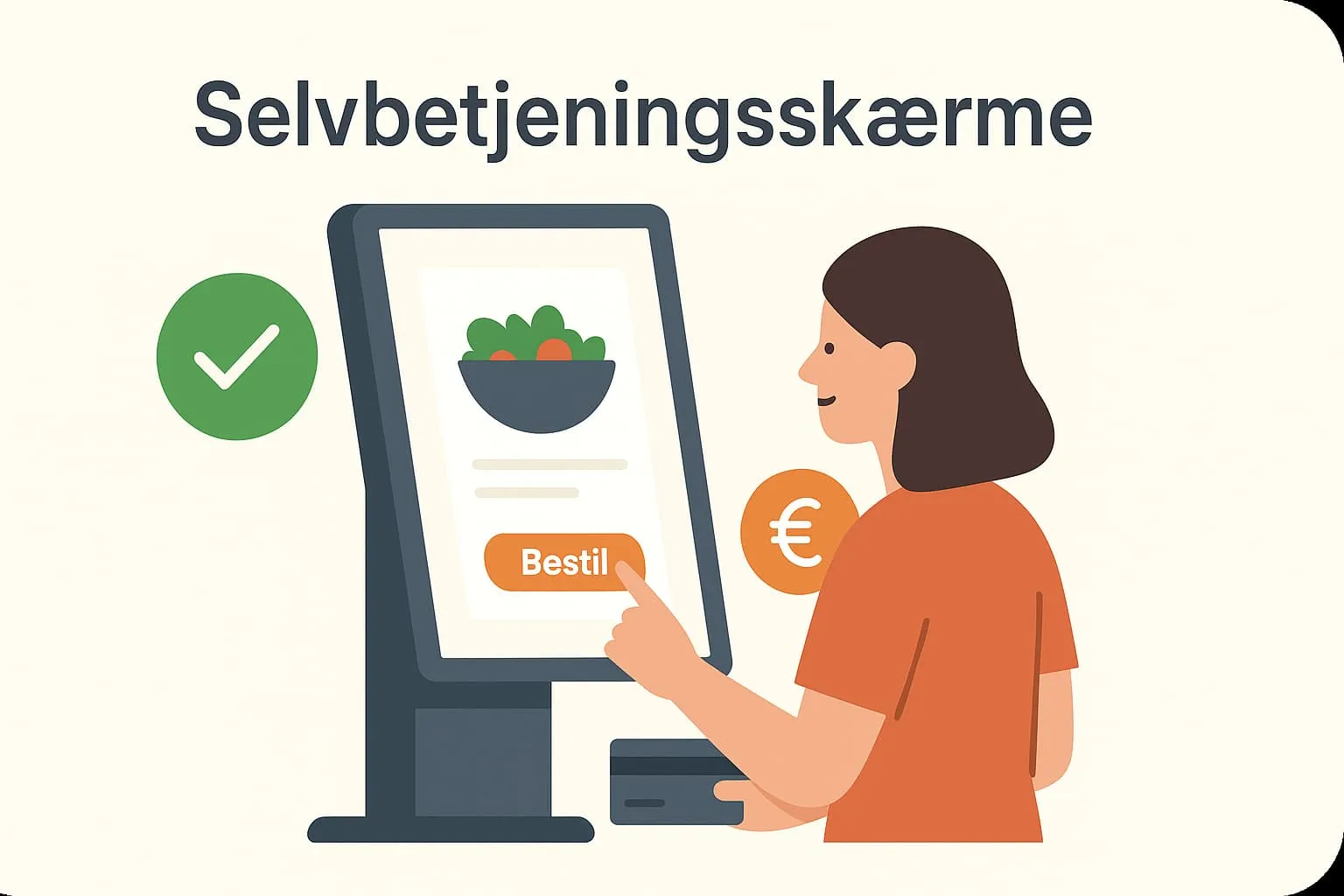
Self-service kiosks are interactive screens placed, for example, at the restaurant entrance or at the tables, where guests can complete their order themselves without talking to staff. They work as an integrated part of a digital POS system and are especially effective in busy environments such as fast-food restaurants, cafés, canteens and modern casual dining concepts.
With self-service kiosks, your guests can easily navigate the menu, choose dishes and sides, and add special requests directly on the screen. The order is then sent automatically to the kitchen and the till, making the whole process faster and smoother. This not only reduces the risk of errors but also makes your business more efficient – while creating a better experience for the guest.
Example:
Picture a busy café at rush hour with a long queue. Instead of waiting for an employee to be free, the guest uses a self-service kiosk at the entrance. The guest chooses a cappuccino with soy milk and a croissant and pays with mobile payment directly on the screen. The order goes straight to the barista and the bakery. The guest can then sit down, and staff can focus on preparing and serving – without a break in the workflow.
Knowing the term “self-service kiosk” matters for restaurant and café operations, because it is a technology that supports modern customer behaviour and makes everyday work more efficient. More and more guests expect self-service, especially in big cities and among younger audiences. It can both improve the guest experience and give your business a competitive edge.
How are self-service kiosks used in the Flexybox POS system?
In the Flexybox POS system, we support self-service kiosks through our ordering screen solution. You can set up screens that let guests place their order directly – both in your restaurant and as part of an online restaurant system. Orders are transferred automatically to the kitchen and the POS – ensuring a fast flow and high order accuracy.
Frequently asked questions
No, self-service kiosks are widely used – from cafés to concept restaurants where efficiency, guest experience and control over orders matter.
Yes, in Flexybox the screens can be customised with your menu, images, colours and logo, so the guest experience matches your business’s identity.
Not necessarily. Flexybox offers a complete solution that is user-friendly and can be set up together with your current POS solution.
The screens are designed with clear menus and images, so they are easy for everyone to understand. Guides and info texts can also be added, and you can test the setup thoroughly before going live.